Care Companion AI
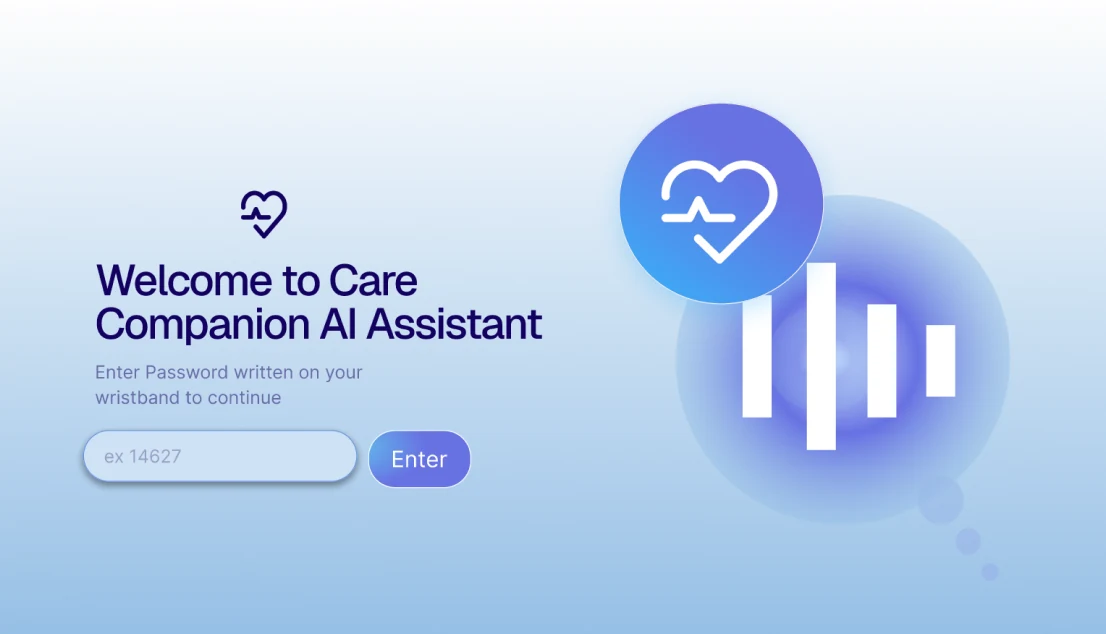
An AI chatbot concept that helps emergency room patients understand their care after discharge, with voice input and audio replies for accessibility. Group project, GBDA 301.
Designing... UI, UX, video games, marketing, apps, graphics, logos, motions, websites
Illustrating... character art, environmental art, thumbnails, icons, concept art

A campus food app concept that helps students with allergies and dietary restrictions find food they can safely eat. Group project, usability tested with four students.
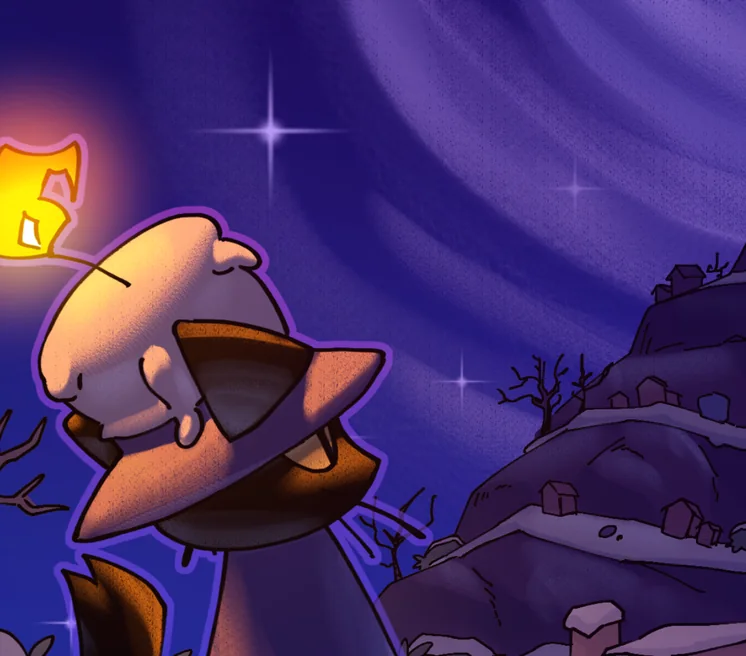
A puzzle platformer about a cat with a candle on his head, built by a team of five in 86 hours for the Roblox Inspire 2025 Challenge. First place, Best Technical Quality.
Co-op @ University of Waterloo Stratford School of Interactive Design
Who am I?
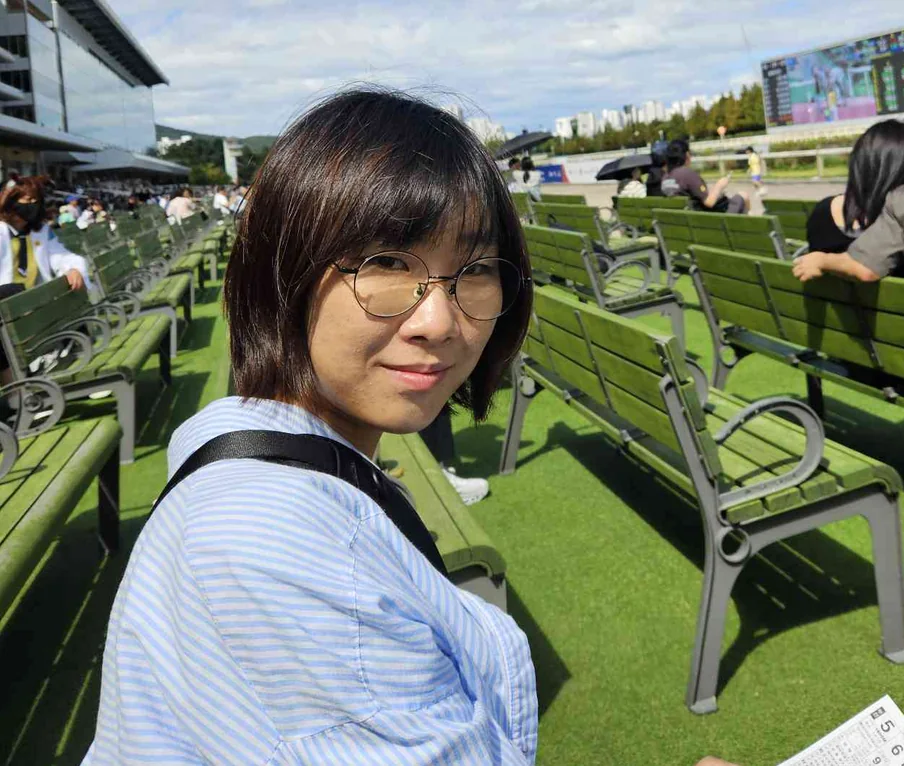
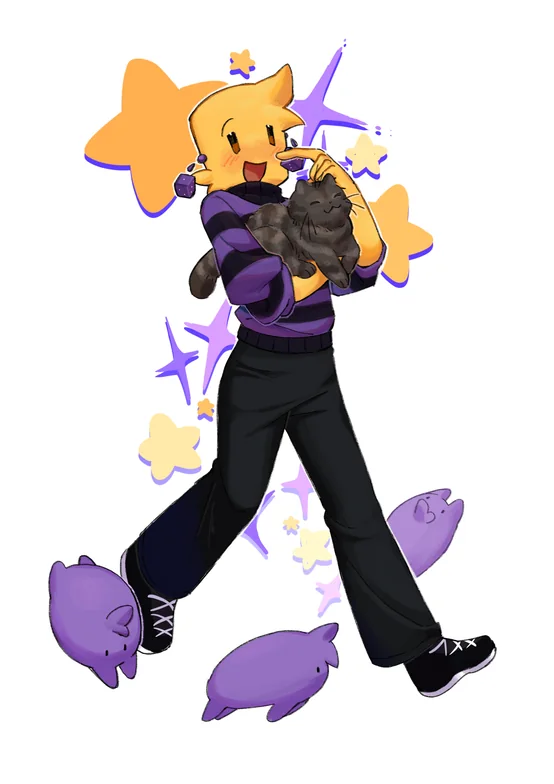
You might also know me as ByJovian on some creative platforms. The little angel character you see around the website is more or less a representation of me!
I currently study Global Business and Digital Arts at the University of Waterloo. I am a designer and illustrator by day, game developer by night, and an animator and video editor somewhere between those hours...
Some of my most publicly notable works are games on Roblox. If you've played Light Work or In Plain Sight 2, I had a hand in their creation as a designer and illustrator!
I’m currently looking for opportunities (design, illustration, marketing) for winter and summer 2027. If you are interested in working with me, please contact me.
Let’s get in touch!
Reach me here!:
Email: jisoolee.art@gmail.com
LinkedIn: linkedin.com/in/jisoo-lee-481783260
Discord: DearJovian
Fun things I did!
An assortment of my works all in one page!
Jump to... Design | Illustrations | Personal



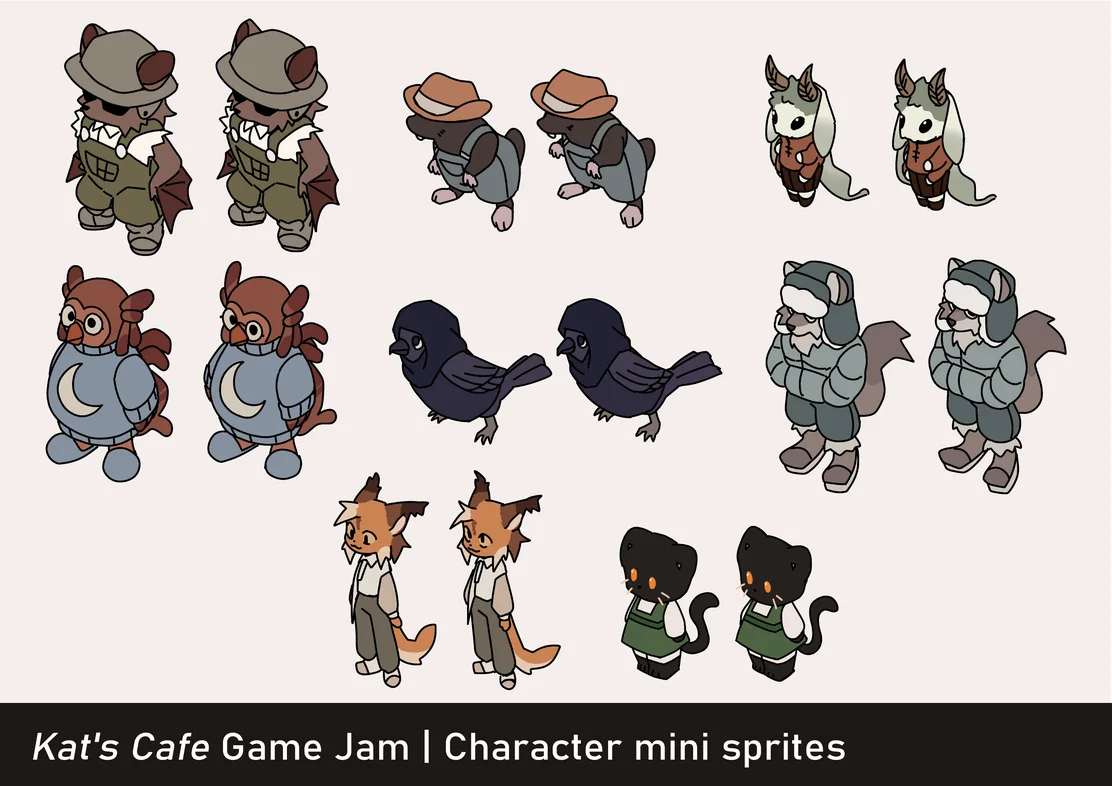

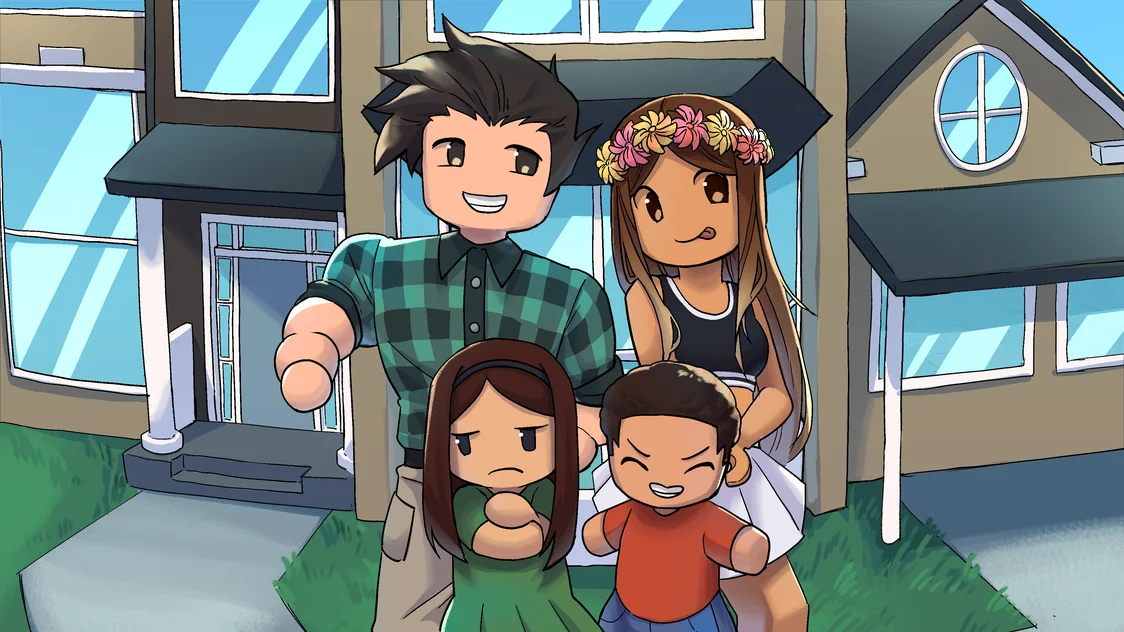


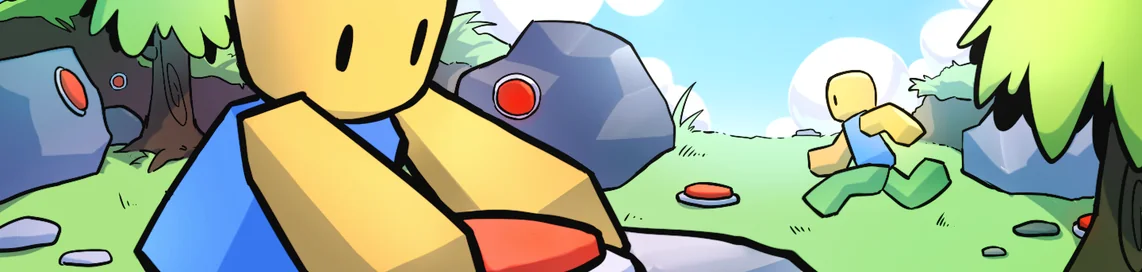
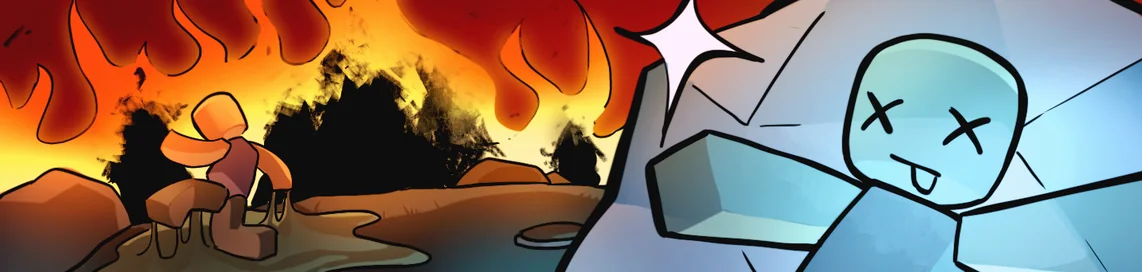





Work, personal projects, jams, and more!
Jump to... Product & UX | Web & Brand | Games
An AI chatbot concept that helps emergency room patients understand their care after discharge, with voice input and audio replies for accessibility. Group project, GBDA 301.
A campus food app concept that helps students with allergies and dietary restrictions find food they can safely eat. Group project, usability tested with four students.
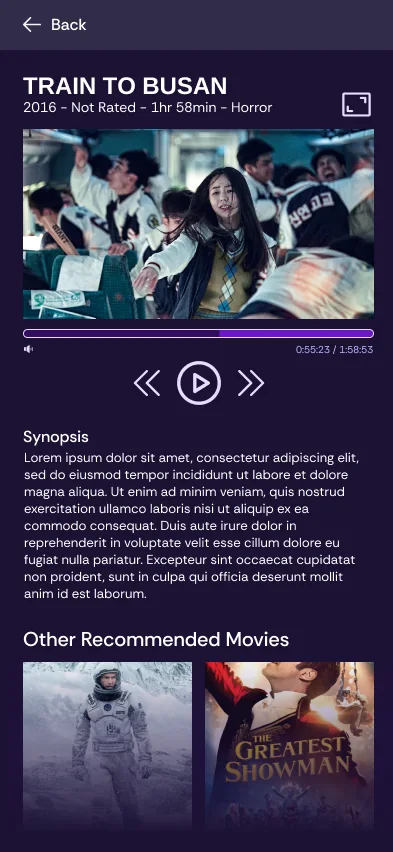
A streaming app concept designed in two hours for a timed class exercise. Dark by default, with recommendations first.
Co-op @ University of Waterloo Stratford School of Interactive Design
A rebrand concept that gives Pine-Sol a simpler, more natural look, with photography, mock-ups and video advertisements of the redesigned bottle. Partner project, GBDA 202.
A visual redesign of a local restaurant's website, made in Figma as a class assignment in GBDA 228.
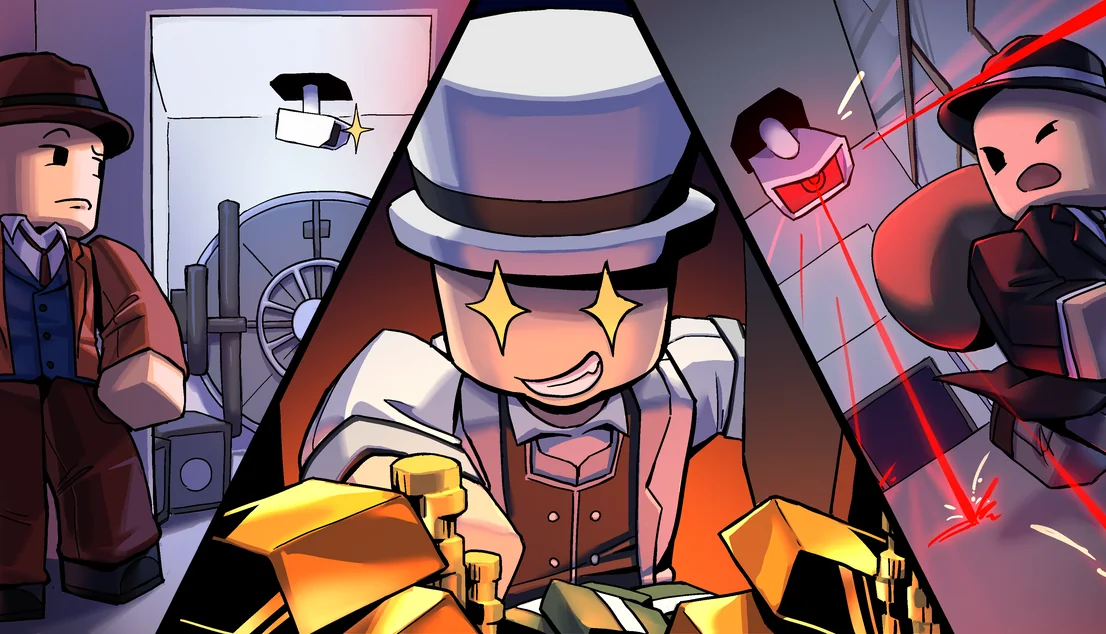
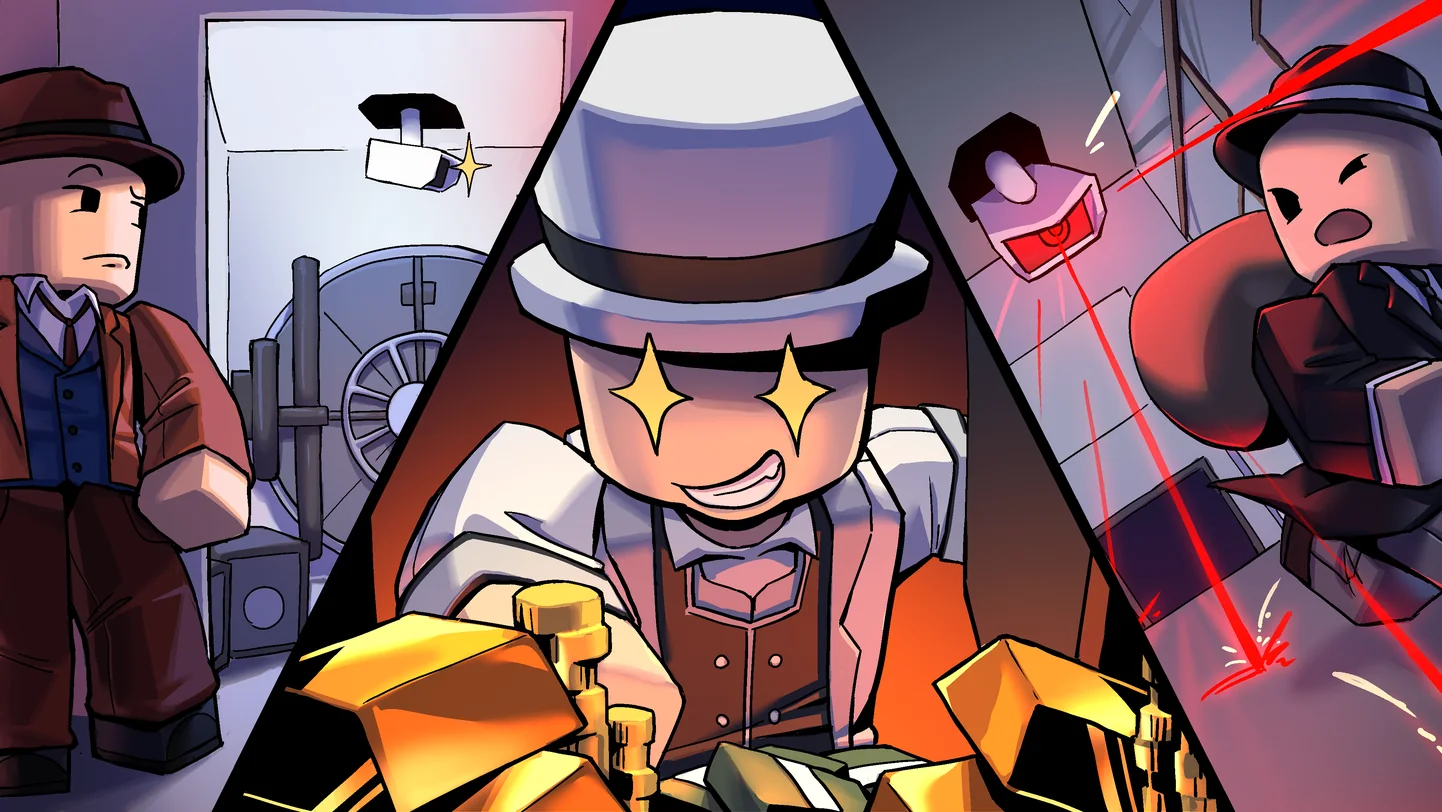
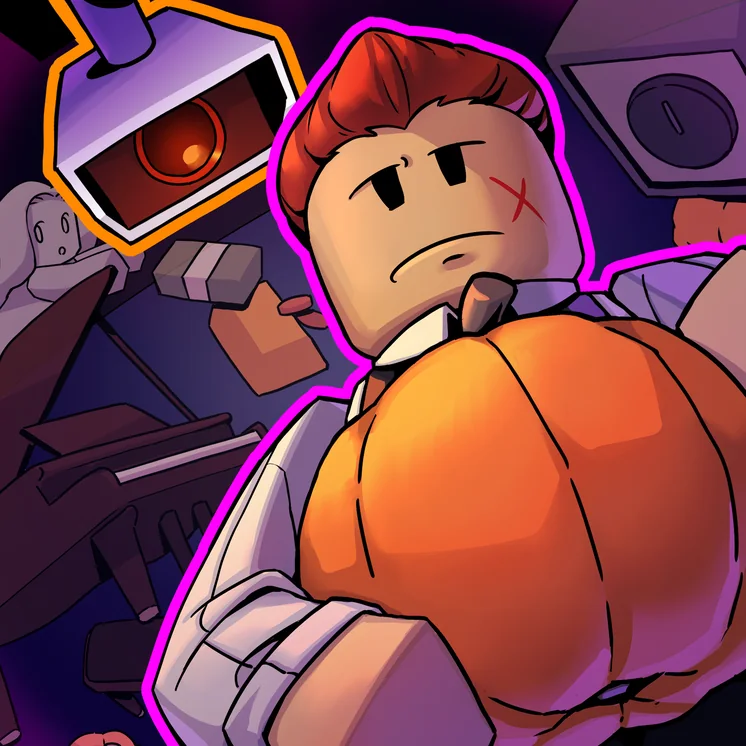
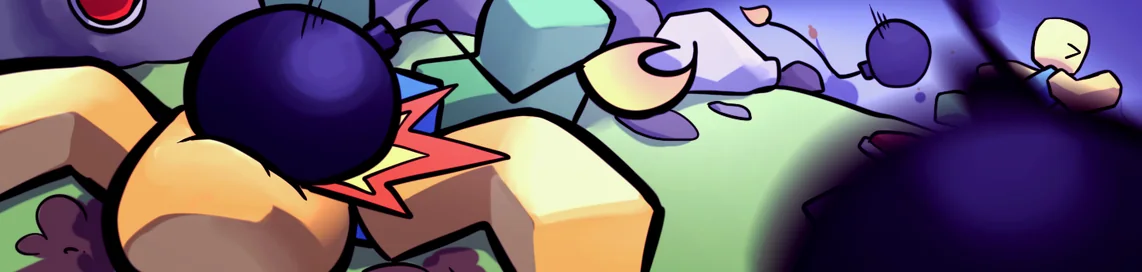
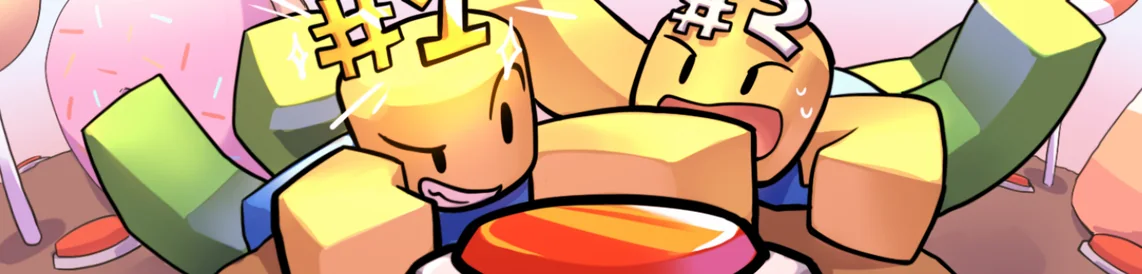
A round-based stealth game on Roblox in which thieves hide in plain sight from player-controlled security cameras. Main artist for Blacklight Team since 2024, over 52 million visits.
A puzzle platformer about a cat with a candle on his head, built by a team of five in 86 hours for the Roblox Inspire 2025 Challenge. First place, Best Technical Quality.
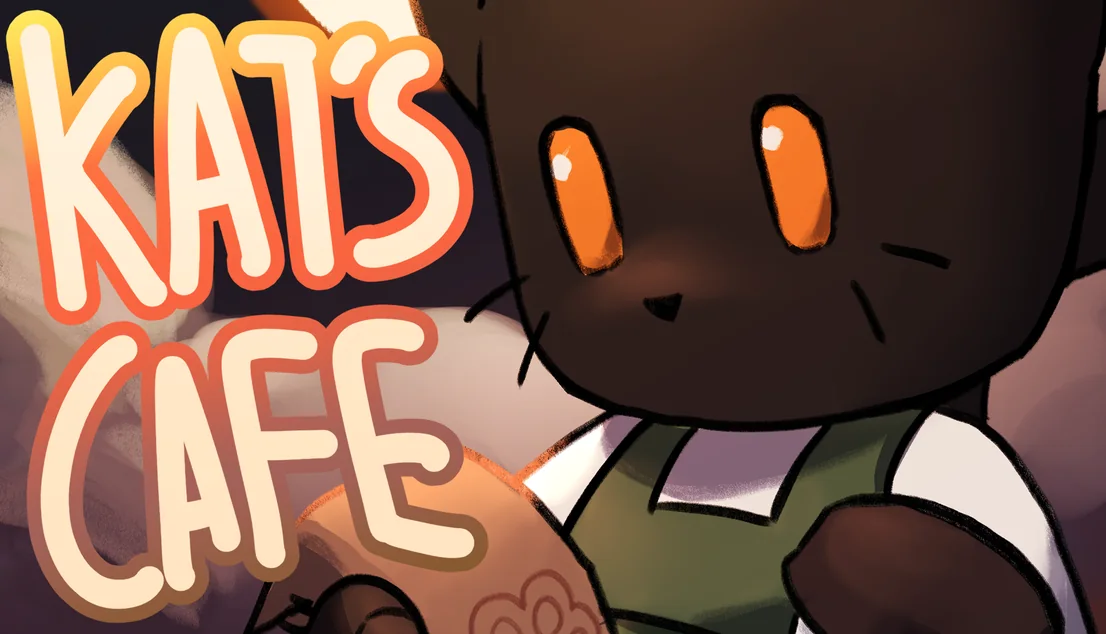
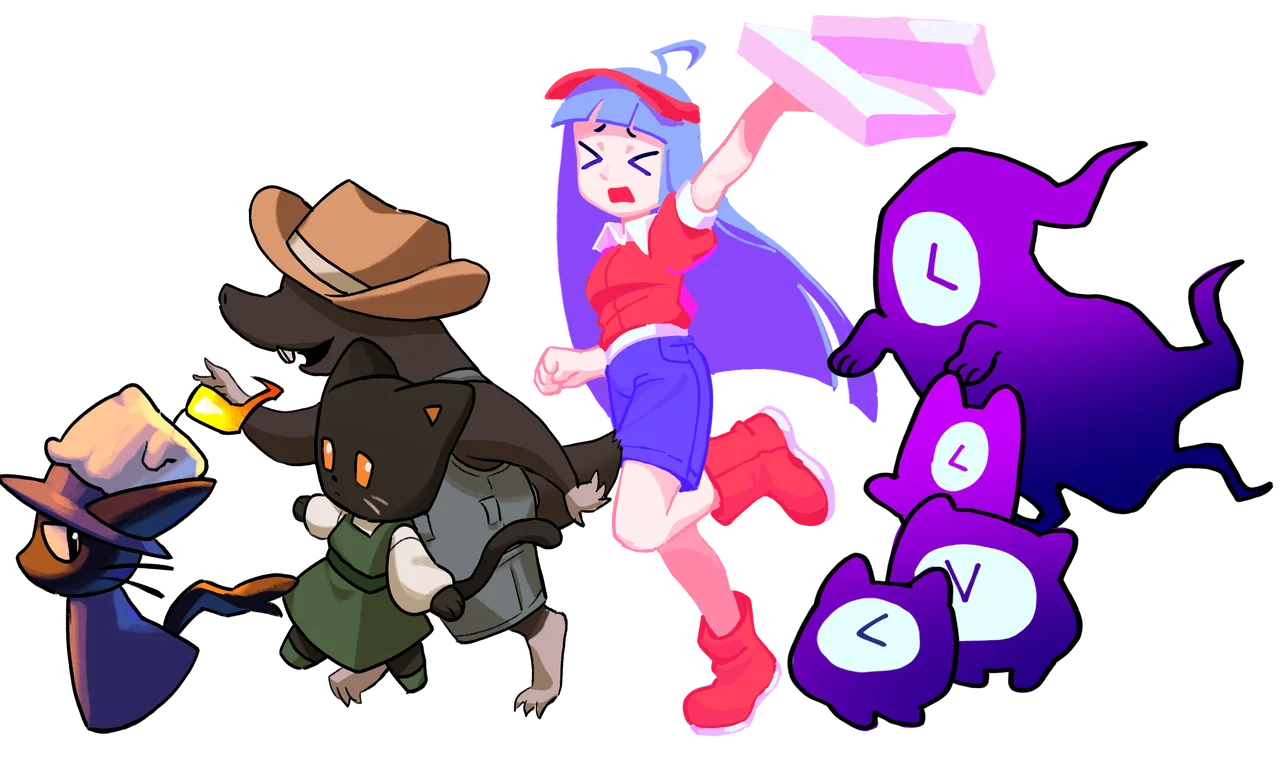
A cozy delivery game about a cat who runs a small cafe, with an isometric style that combines 2D and 3D art. Team of five, Honourable Mention in the Roblox Developer Challenge 2024.
An AI chatbot concept that helps emergency room patients understand their care after discharge, with voice input and audio replies for accessibility. Group project, GBDA 301.
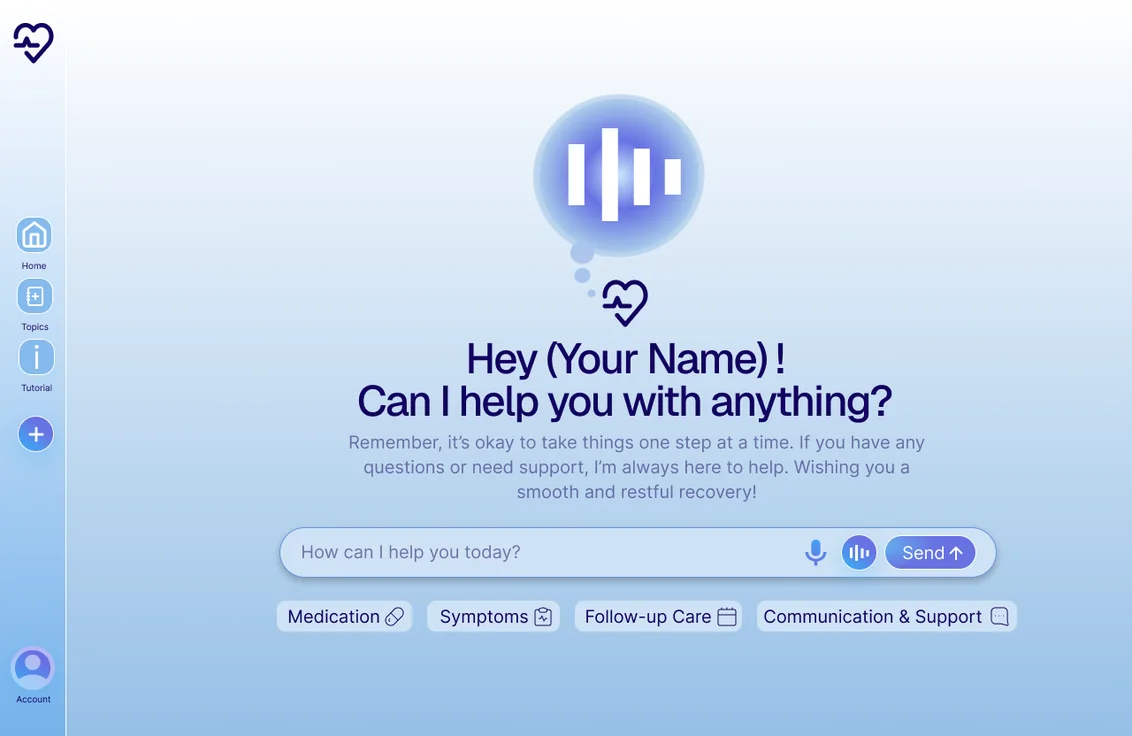
Figma view links are available on request.
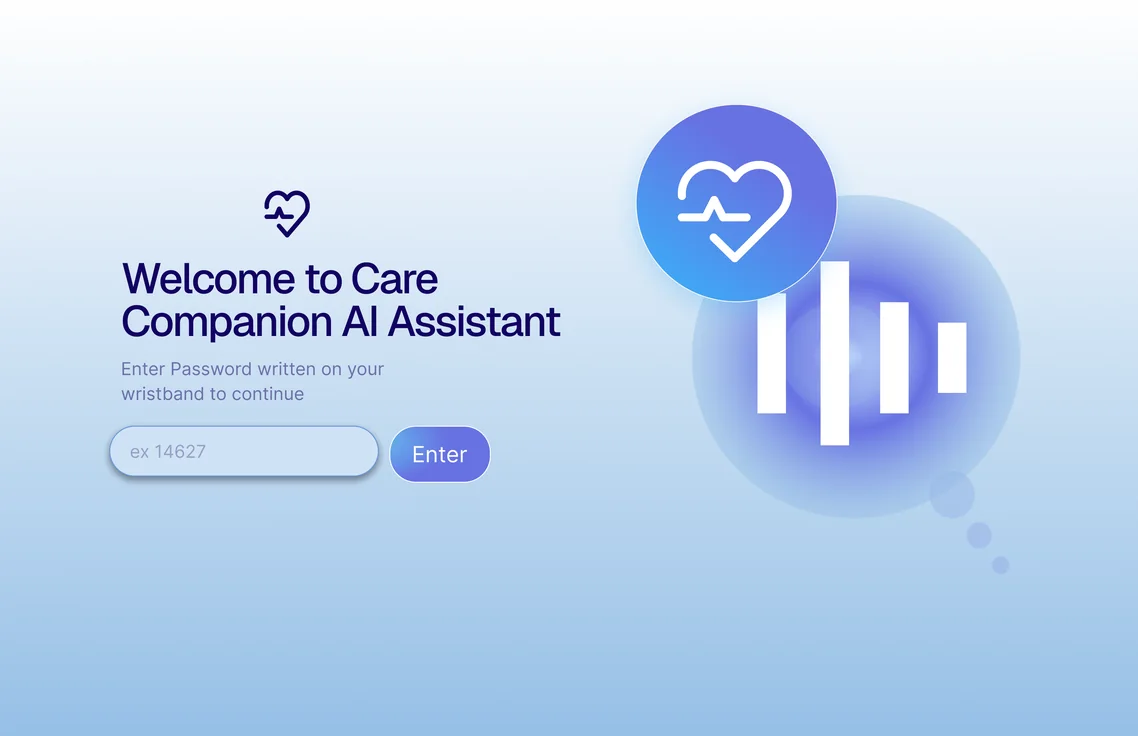
Care Companion AI is a concept for an AI chatbot that helps emergency room patients understand their care after they are discharged. Patients access it through a wristband with a QR code and a personal code. This was a term-long group project in GBDA 301, completed by a team of six.
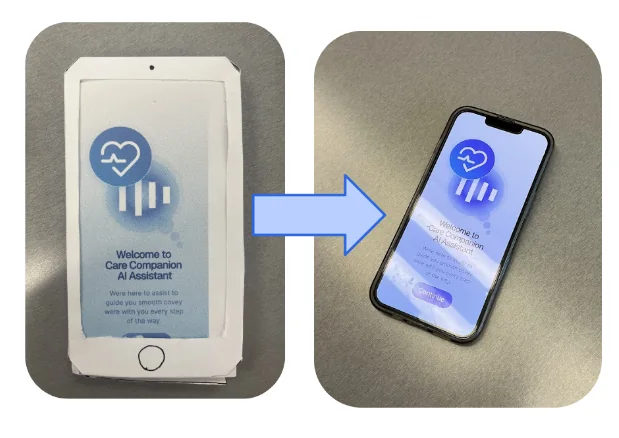
In this project, I was the Diegetic Prototype Lead, meaning I designed and built the physical parts of the service that participants could treat as real during testing: the paper phone, the paper laptop, and the wristband that patients use to reach the chatbot. I was also involved in the research, as our group began by researching pain points in ER settings, and I helped identify where the main pain point in the discharge process was. Later, I played the patient's caretaker in both rounds of testing, and helped analyze the TAM survey and think-aloud results, which are what led me to redesign the wristband for the second round. Most of the screen design in Figma was completed by my teammates, while I provided feedback on the screens.
Discharge instructions are often given verbally and filled with medical terms, which makes them easy to mishear or forget. When care at home goes wrong, conditions can worsen, and patients may have to return to an already crowded ER. Research on hospital discharge describes good discharge planning as a way to reduce unplanned readmissions (Gholizadeh et al., 2015), and preventing those return visits was the main goal of Care Companion AI. The question our group asked was: how might we make discharge instructions more understandable and actionable through a simple AI assistant that patients can access at home?
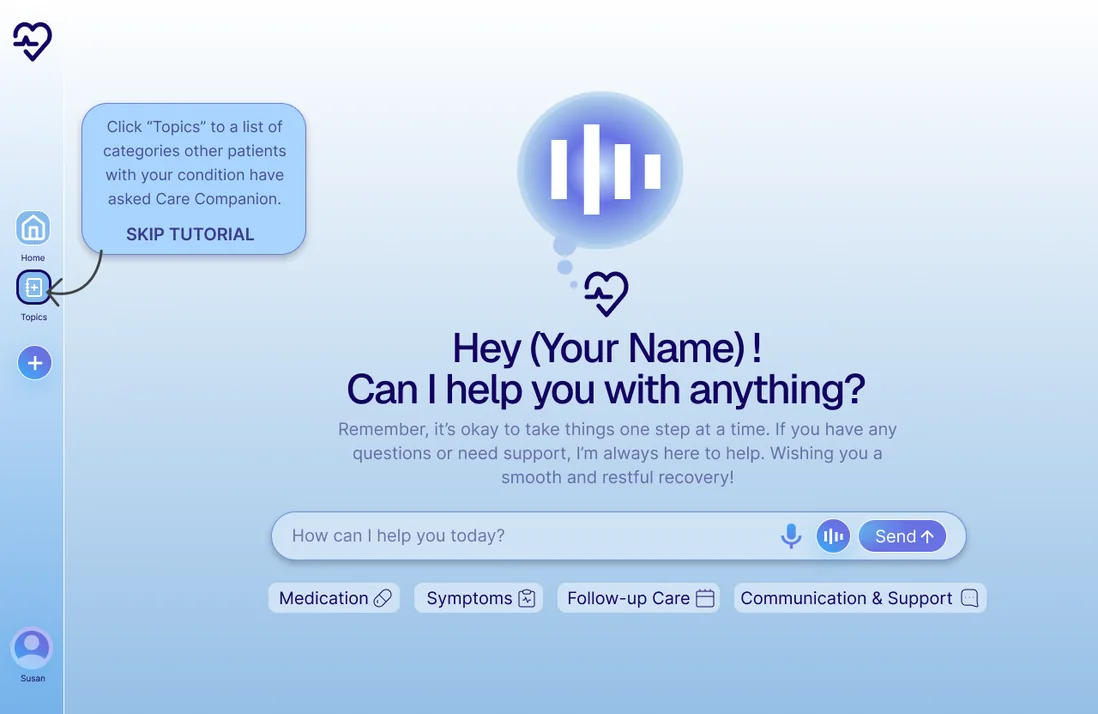
Once the doctor confirms the discharge, the patient's information is linked to a printed wristband. At home, the patient can scan the QR code, or enter the code from the wristband, on a phone or laptop. From there, they are able to ask the chatbot about their care by typing or speaking, and can read or listen to the replies. We chose a website over an app so that patients would not need to download anything.
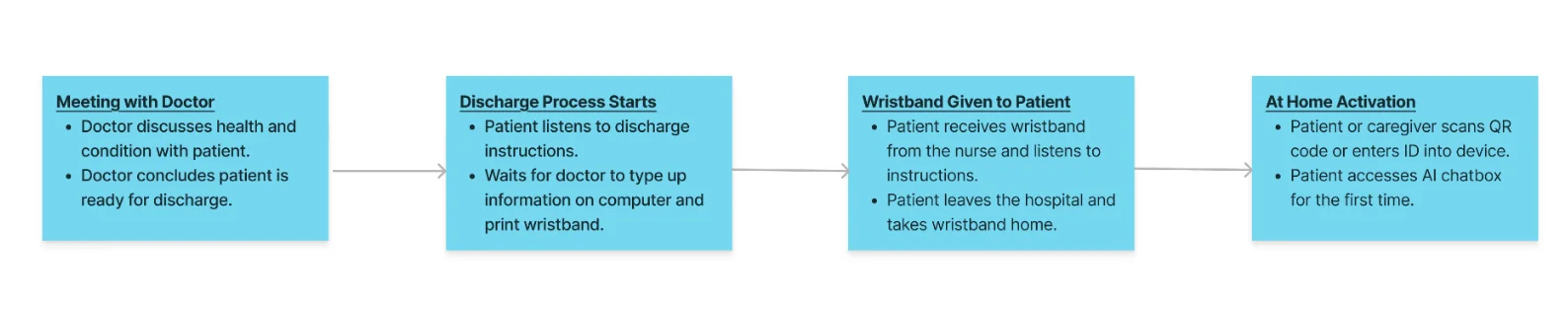
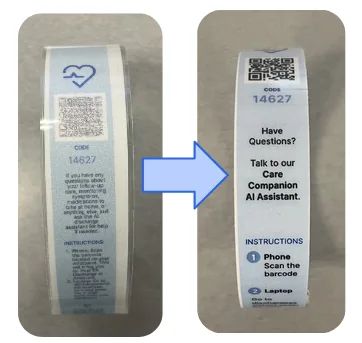
Why a wristband? Discharge information is usually given on paper, which can easily be lost or damaged. On the other hand, anything too permanent or restricting would take away from a patient's independence, and a wristband sits in between the two. However, it was also where participants initially had difficulty, since in the first round, the instructions printed on it were too wordy and the text was too small. For the second round, I redesigned it with shorter, larger text and a velcro closure, and we added a separate sheet with the detailed instructions. Since the instructions are on the band itself, patients do not have to rely on remembering what the nurse told them.
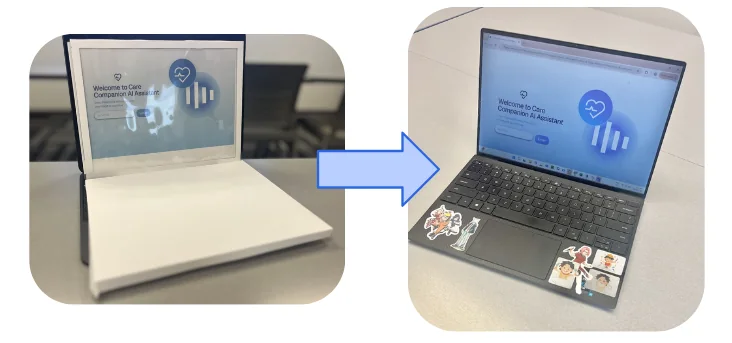
Our low-fidelity prototype was made of paper, with printed screens that were swapped by hand inside a paper phone and laptop as the patient moved through the conversation. Our high-fidelity prototype was an interactive Figma prototype, used on a real phone or laptop.
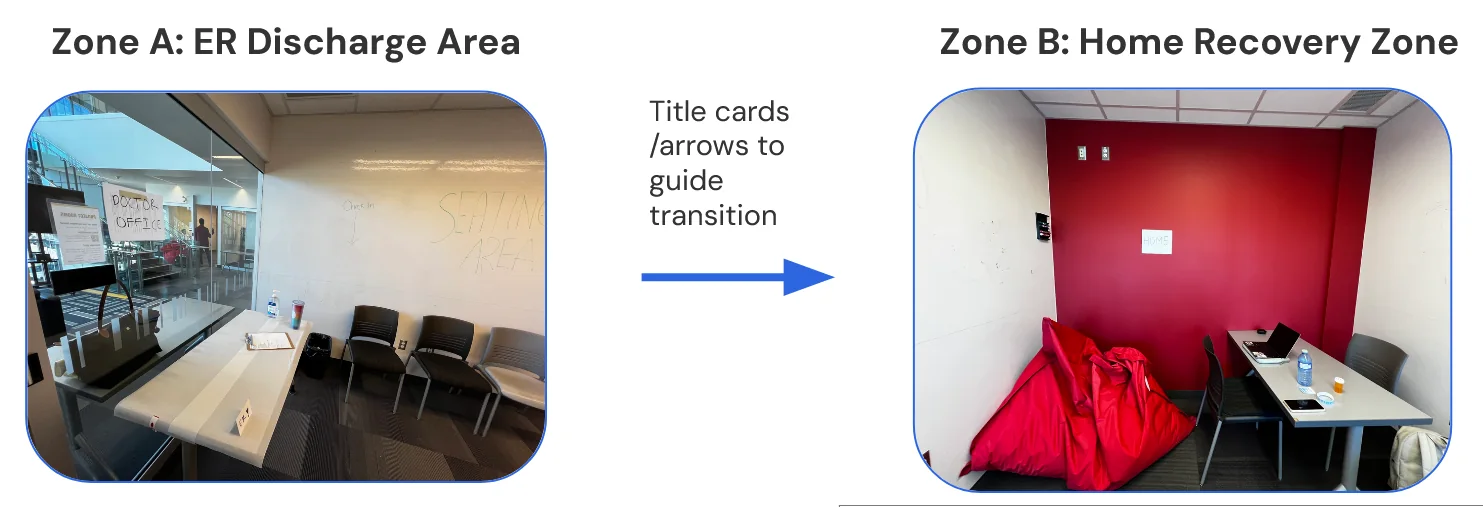
We tested both prototypes with classmates in two staged spaces: an ER discharge area with a hospital bed, discharge notes and a nurse, and a home area with household props and warmer lighting. There were four participants in the first round, and about the same number in the second.
In the first round, participants used the paper prototype while a teammate played the chatbot by reading from a script. They followed a think-aloud protocol, and then completed a TAM survey (Technology Acceptance Model). In the second round, participants used the Figma prototype, where the replies were built in and read by a text-to-speech voice, and we added a semi-structured interview at the end. It should be noted that there was no real AI in either round.
In the first round, perceived usefulness averaged 5.8 out of 7. The lowest-rated statement was "My interaction with Care Companion AI would be clear and understandable," at 4.75, which is why we added a step-by-step tutorial. In the second round, perceived usefulness averaged 6.2, and perceived ease of use rose by about a point, to 6.5.
With so few participants, I see these results as an encouraging sign and not as proof. Personally, I believe the real device made the biggest difference, since it is more intuitive than a paper prototype, but three things changed at once and I am unable to separate their effects.
Participants told us that the chatbot made them feel more confident, with one saying, "It's kind of like a caretaker and makes you feel reassured." However, they also found problems, as some forgot the instructions under stress or skipped the tutorial. One participant called the voice "very robot sounding," and another asked for more visuals, "because there's a lot of text."
Our testing was done with classmates in a staged room, rather than with real patients, and there was no working AI. Because of this, the results show how people reacted to the idea, and not how a real product would perform.
The main thing I would change is bigger than the interface itself. The chatbot is not accessible to people who are not familiar with technology, or who do not have a device of their own. Reducing the amount of UI could help to an extent, but taking away too much can lead to a lack of transparency, where patients can no longer see what the tool is doing. I believe this is a limitation of an AI tool like this that simply cannot be negotiated, so non-technological solutions have to be offered alongside it.
There is also the question of who is responsible if the AI gives advice that harms a patient. The wristband tells patients to call their health care provider in an emergency, but that does not fully answer the question.
In addition, testing pointed to smaller fixes, such as a more human voice that greets patients by name, more visuals and less text, a collapsible sidebar, and a dimmed background during the tutorial.
Gholizadeh, M., Delgoshaei, B., Gorji, H. A., Torani, S., & Janati, A. (2015). Challenges in patient discharge planning in the health system of Iran: A qualitative study. Global Journal of Health Science, 8(6), 168. https://doi.org/10.5539/gjhs.v8n6p168
A campus food app concept that helps students with allergies and dietary restrictions find food they can safely eat. Group project, usability tested with four students.
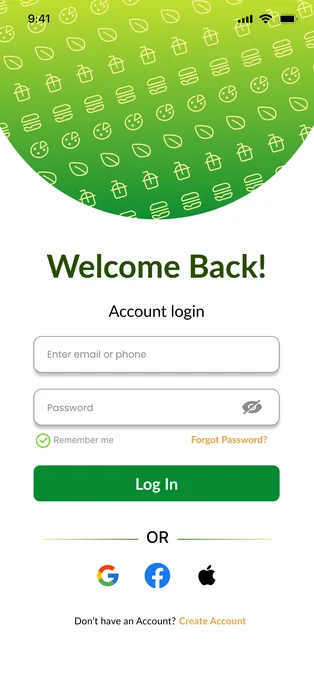
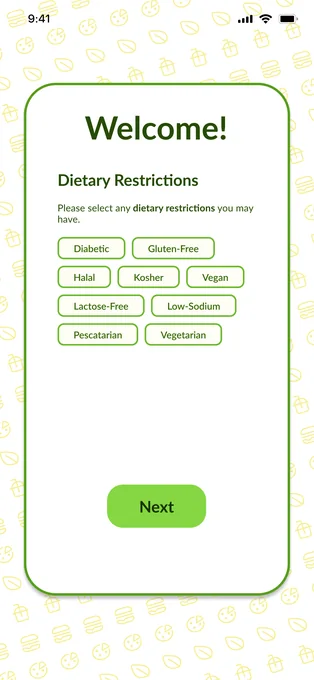
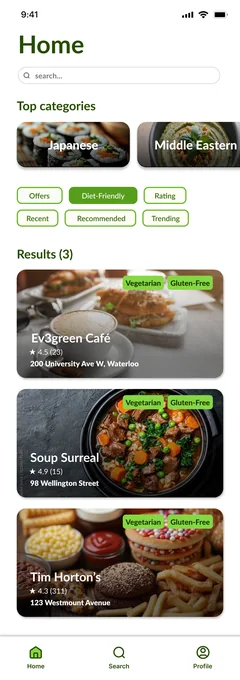
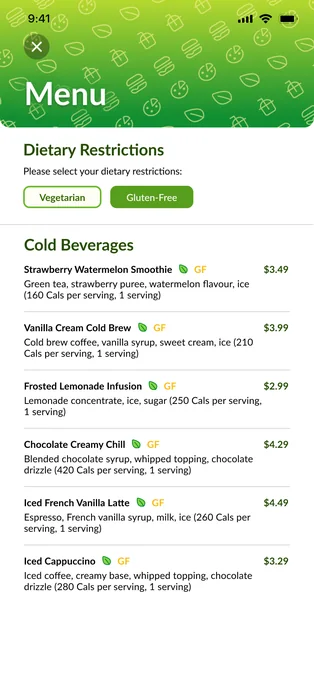
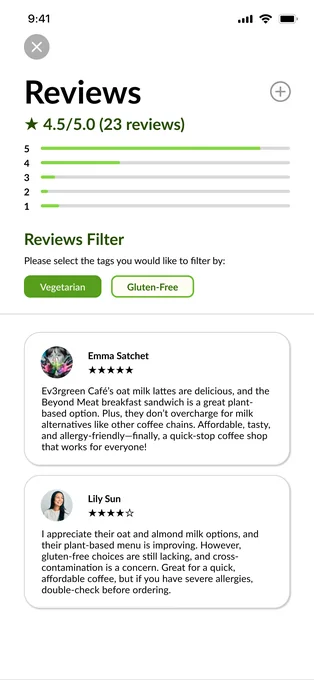
Platr is a concept for a mobile app that helps university students with allergies and dietary restrictions find food on campus that they can safely eat. Students set their allergies and dietary restrictions when they sign up, and the app uses them to filter restaurants and menu items. This was a three-month group project in GBDA 210, completed by a team of four.
In this project, I was responsible for our usability testing, meaning I recruited the participants, ran the sessions in person and over video calls, and wrote the usability testing section of our final report. I also designed the Platr logo, and assisted with our group's earlier research.
The University of Waterloo has many places to eat, but the information about them online is limited and sometimes incorrect. For students with allergies or dietary restrictions, this is more than an inconvenience, since they are unable to tell what is safe to eat without visiting in person. As a result, many rely on word of mouth or trial and error, which is both slow and unreliable.
Our group began by interviewing a small group of students about eating on campus, and four themes came out of those interviews: on-campus food costs more than the alternatives, students have no way to keep up with changed hours and closures, they stay with the same well-known places because they do not know the others, and students with dietary restrictions avoid exploring at all. Many of those students told us they would rather eat at home.
From there, we wrote two personas, mapped their main tasks as task diagrams, and sorted features into must include, should include, could include and exclude. We chose to exclude ordering, since the goal was to help students find food and not to place orders.
Although our interviews also covered prices, hours and locations, the app focused on dietary needs. Personally, I believe this was the most important gap to address. University is often the time in someone's life when they have the least time to prepare their own meals, and much of university culture surrounds eating out. However, students with allergies or dietary restrictions cannot eat out as conveniently without personal risk, which takes away their time and their ability to join social activities. To me, accessibility means having the independence to take part in everyday activities like everyone else, and that was the gap I wanted to bridge.
When a student first opens Platr, they are asked to choose their allergies and dietary restrictions, and the app uses those choices to show the restaurants and menu items on campus that fit them. From there, they are able to browse restaurants, read menus and check reviews from other students, and they can change their filters later in their profile.
To arrive at this design, each of the four of us designed a low-fidelity version separately, and we then critiqued them anonymously. All four versions had students choose their restrictions during onboarding, so we kept that idea and settled the differences as a group. First, we placed allergies and dietary restrictions on separate pages, since allergies are about specific foods, while dietary restrictions are broader needs, such as halal or diabetic-friendly meals. We also removed a dropdown from the search bar that repeated the same options, so that a student's restrictions are selected automatically instead. They can deselect them to explore other options, but the app returns to their defaults when the page is refreshed. Lastly, we kept profile filters and casual preferences apart, meaning dietary restrictions are edited in the profile, while cuisine filters can be toggled on the homepage.
For the logo, I started with a few concept sketches that focused on food, and mainly on utensils like plates, which is why the letters in the final logo sit on top of a plate. The yellow-to-green colour was chosen to give the app a feeling of health and safety.
For the usability testing, I tested our high-fidelity Figma prototype with four university students. Three of them had allergies or dietary restrictions, which ranged from a peanut allergy to someone who can only eat from a set of "safe foods", and one had none. Two were from Waterloo and two were from other universities, partly because an app like this should ideally work for most universities and not only Waterloo, and partly because many of the people I knew with allergies studied elsewhere. Two sessions were in person and two were remote over a screen-sharing call. Each participant consented to being recorded, and was asked to create an account, find a restaurant's menu and reviews, and edit their dietary filters. Afterwards, they filled out a SUS form (System Usability Scale).
All four participants were able to complete the three tasks, and the SUS scores ranged from 72.5 to 92.5, with an average of 82.5, which is well above the benchmark average of 68 (Sauro, 2018). However, with only four participants, I see this as an encouraging sign and not as proof. The scores also did not seem to follow how restrictive someone's diet was.
The finding I consider the most important was about safety, since our restaurant pages showed dietary labels under the description, and participants pointed out that this could make someone believe everything at that restaurant is safe for them, which could be dangerous. To fix this, we moved that information to the menu, where a toggle shows the items that fit the student's own diet.
Testing also led to smaller changes, such as replacing the long list of dietary tags on the homepage with a single "Diet-Friendly" tab, giving the edit screens specific titles like "Add cuisines" so that it is clear what is being changed, and reducing the number of button styles in our design system.
Our testing was done with four students on a clickable prototype, with no real menu or allergen data behind it, and some of the participants were people I knew, which may have made them more generous in their feedback. Because of this, the results only show that students were able to use the app, and not whether its information could be trusted.
Unfortunately, people with severe allergies often do not trust restaurants regardless of what an app tells them, since one neglectful or uninformed employee could cost them their life. I believe this is a matter of public education and stronger regulations for allergens and cross-contamination in restaurants, which an app cannot solve on its own. However, I would hope that if Platr was real, it could at least benefit those with minor food allergies or dietary restrictions.
One thing I would do differently is to consider whether the tool would be better if it was not technology at all. Platr is an app, and many people tend to dislike downloading too many apps, which is called app fatigue. Restaurant owners may also find it tedious to keep the app updated, leading to outdated information. Perhaps a simple sign framework that restaurant owners can print out would be more direct and impactful, but it would remove the advantages of the app, such as reviews or being able to access information before arriving.
Sauro, J. (2018, September 19). 5 ways to interpret a SUS score. MeasuringU. https://measuringu.com/interpret-sus-score/
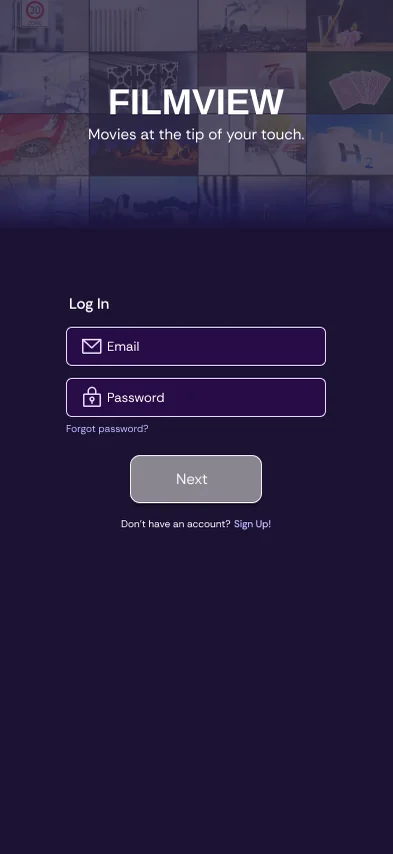
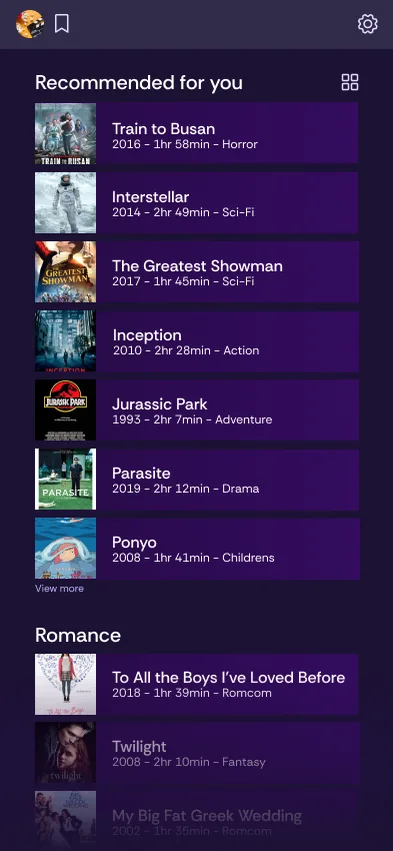
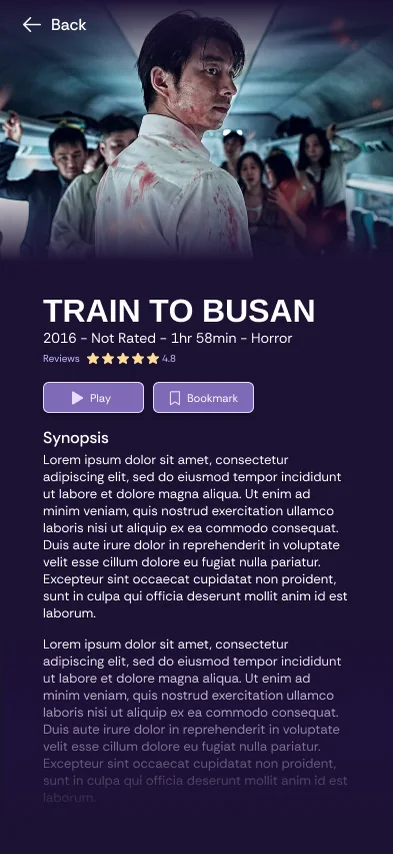
A streaming app concept designed in two hours for a timed class exercise. Dark by default, with recommendations first.
In GBDA 210, we were asked to design an application for a hypothetical streaming service in Figma, within a time limit of around two hours. Due to the time constraint, there was no time to properly sketch an idea or go through revisions, and I relied largely on intuition to make my design decisions. "FILMVIEW" was a name that I came up with on the spot, and this project is unrelated to any other services or channels with the same name.
The first decision I made was to place recommendations at the front of the application. Not many people open a streaming application with a clear idea of what they would like to watch, and for this reason, recommended films are the first visuals that a user sees, so that the application helps them with their selection from the moment they enter it.
I also chose a dark theme over a light one, as I assumed that many people use streaming applications in the dark, whether they are going to sleep, having a movie night, or outside during the night. Since there was no time for research, this was an assumption and not a finding, and it is something I would want to confirm with users if this were a real project.
Many of the buttons and UI elements in the Figma prototype are interactive, in order to make the mock-up feel more realistic. You may try navigating it through the link below.
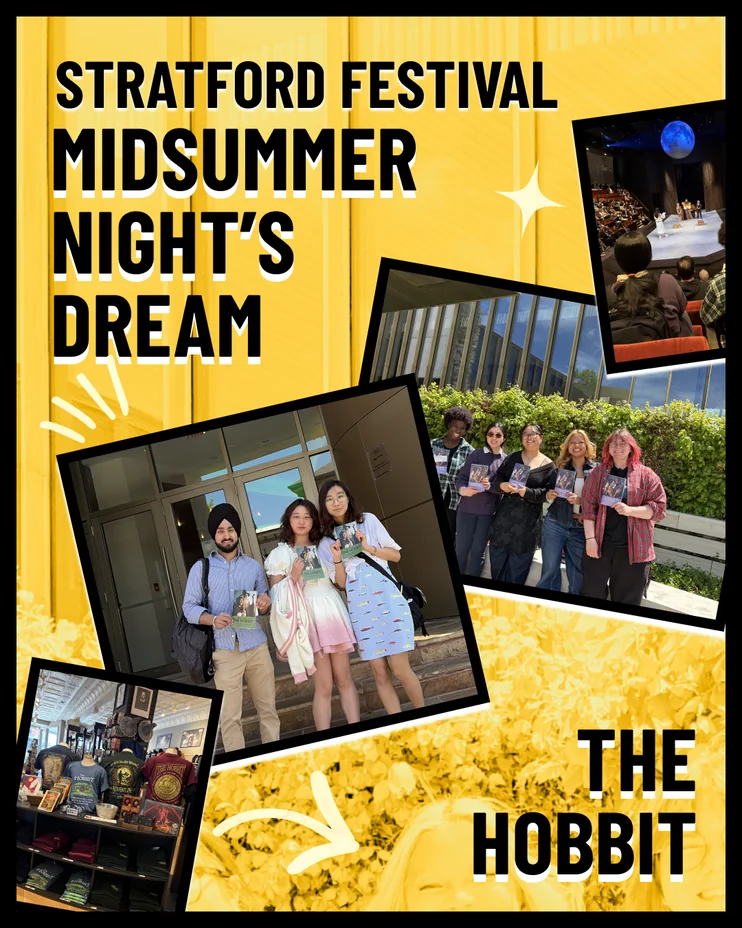
From May to August 2026, I worked as a Media Services & Communications Assistant at the University of Waterloo's Stratford School of Interaction Design and Business. In this role, I created content for the posters and TV screens around the school, as well as for its social media accounts, such as Instagram and LinkedIn.
In this position, I was responsible for the school's visual content, meaning I designed the posters and TV screen graphics that were displayed around the building, and created the posts for its Instagram and LinkedIn accounts. All of the content I made during these four months was my own work, and depending on the piece, I worked in Canva, Figma, Adobe Express, Photoshop, Lightroom and Premiere Pro. Alongside the graphics, I wrote the content for LinkedIn posts, and helped take photos during events.
I also helped out in Media Services, which is similar to a technology library for the Stratford School!
A rebrand concept that gives Pine-Sol a simpler, more natural look, with photography, mock-ups and video advertisements of the redesigned bottle. Partner project, GBDA 202.

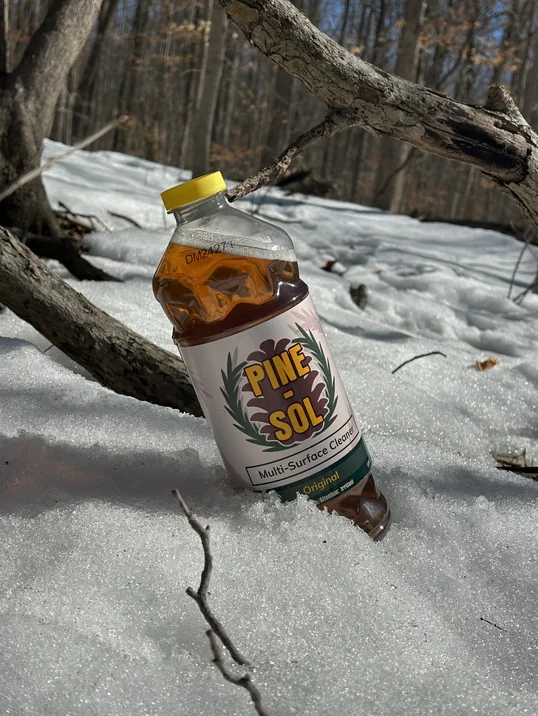
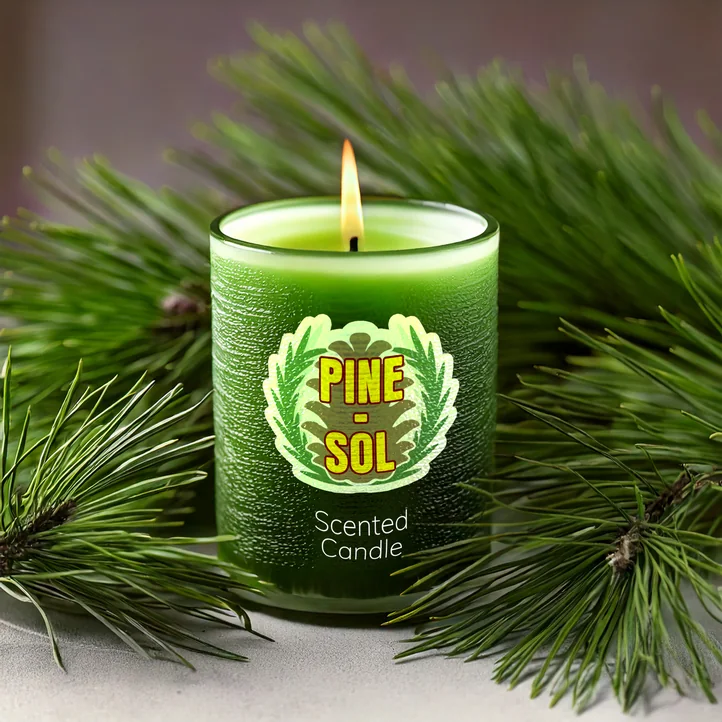
In GBDA 202, we were asked to choose an existing brand and revamp its design identity so that it would fit its target audience and style more accurately. Working with a partner, we chose Pine-Sol, and redesigned the logo and the packaging of the original cleaning solution bottle, alongside new social media posts and advertisements. This was a class project, and it is not affiliated with Pine-Sol in any way.
In this project, I was responsible for the photography, filming and advertisements, meaning I photographed and filmed the redesigned bottle, created the mock-ups in Adobe Photoshop, and edited the advertisements in Adobe Premiere Pro and After Effects. The main rebrand of the packaging, including the new logo, was completed by my partner in Adobe Illustrator, while we brainstormed the direction of the rebrand together.
At a glance, Pine-Sol's logo appeared visually outdated in comparison to the other logos on the market. In addition, its marketing on Instagram and Facebook seemed to be aimed at a much younger audience than its main consumers, who are the adults that clean the house.
To begin the redesign, we brainstormed what sets Pine-Sol apart from other cleaning solutions, which was mostly its unique pine scent and the more natural impression that comes with it. However, we felt that the logo and the packaging gave off the impression of being too strong. With its bold colours and flashy design elements, Pine-Sol's packaging feels just as artificial as the other products in the same aisle. Although these elements would be eye-catching on other products, they only muddle visibility among cleaning products, where every other large brand uses the same strategy, meaning that Pine-Sol is unlikely to be the first product a customer notices unless they are specifically searching for it.
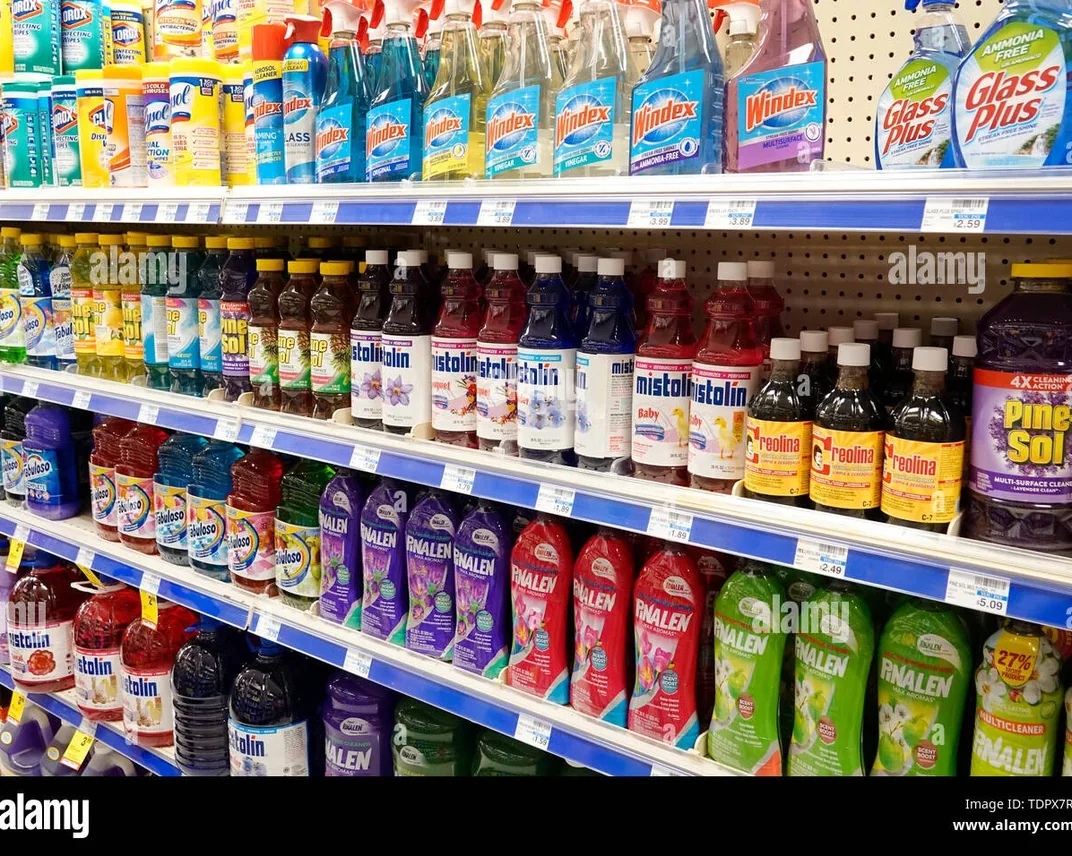
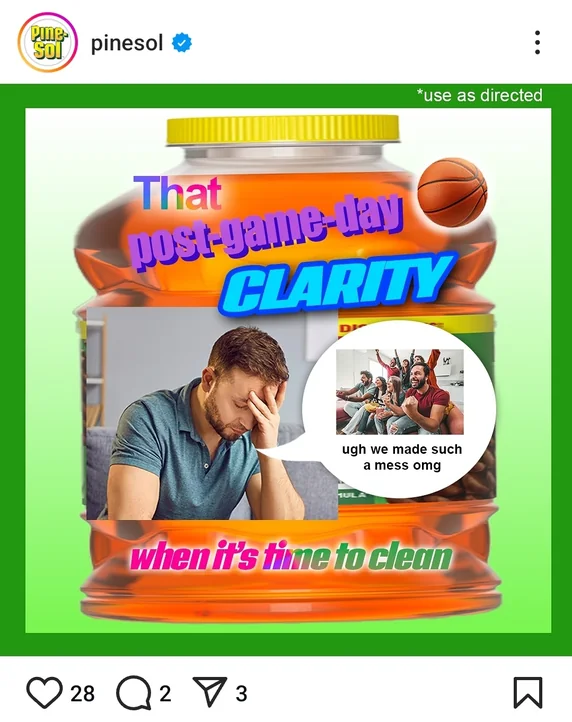
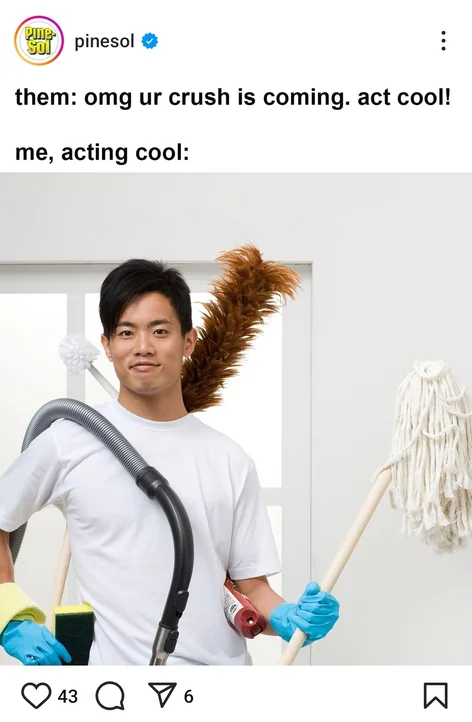
For this reason, we focused on a rebrand that would highlight Pine-Sol's unique properties, alongside marketing that would appeal to the correct audience. The main colour and the recognizable parts of its identity, such as the logo style and the pinecone theme, were kept, and my partner designed a new logo and a new packaging design for the original bottle. By focusing on modern simplicity and a strong emphasis on the natural side of the product, the brand became distinct from the other big brands, while remaining recognizable as Pine-Sol.
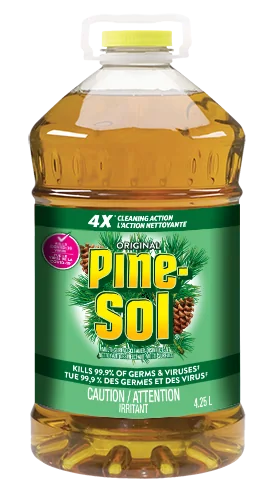
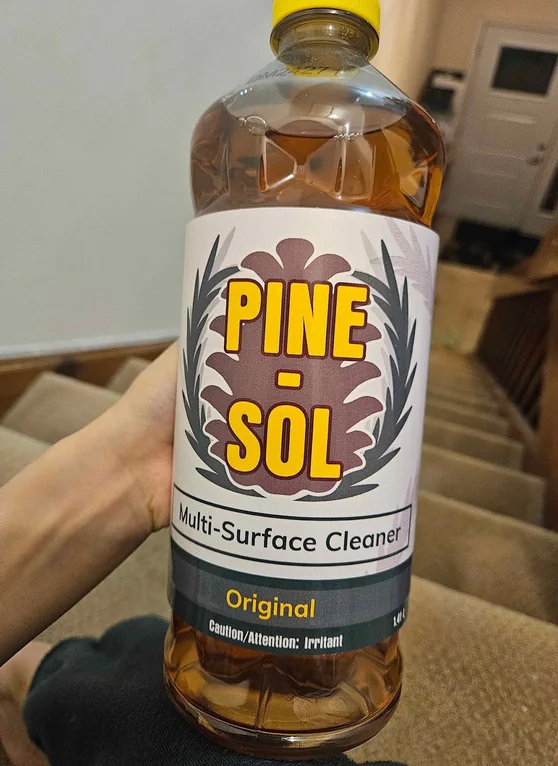
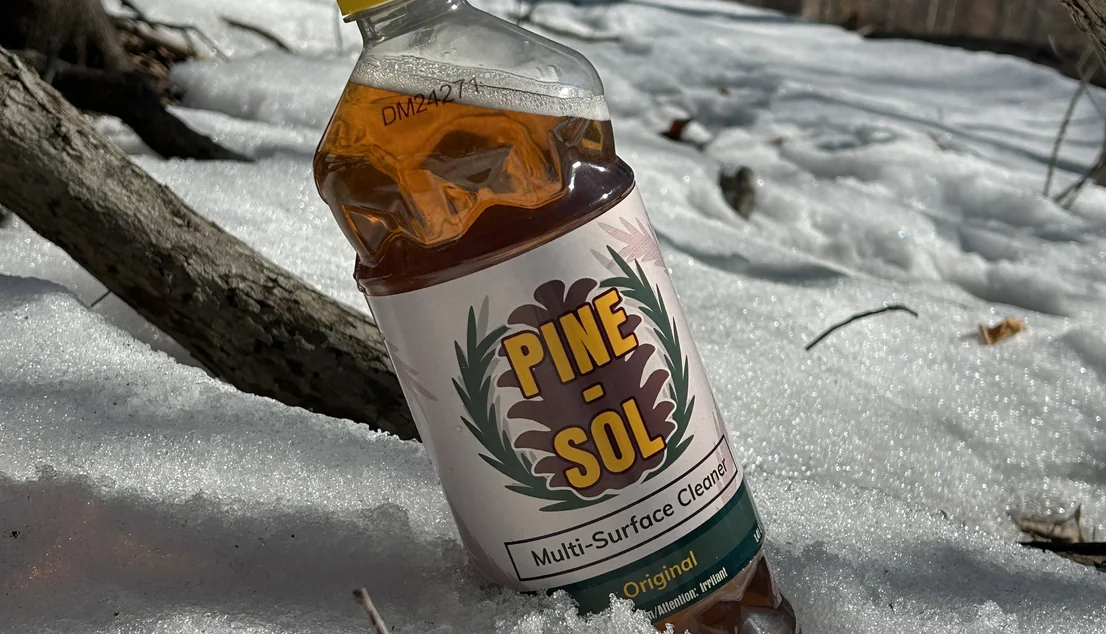
After the packaging was designed, I printed it out and placed it around a real Pine-Sol bottle to see how it would look in reality. Once we had confirmed that it matched our expectations, I used a Canon R7 camera to gather the photos and footage for our social media posts and advertisements. It happened to be snowing on the day of the shoot, with pine trees in the distance, which truly captured the identity of Pine-Sol. From these, I created our mock-ups in Adobe Photoshop, and edited the advertisements in Adobe Premiere Pro and After Effects.
The advertisements are unlisted, since this rebrand is not official, and we would not want the general public to mistake it for one. However, they may be viewed through the following links: Advertisement 1, Advertisement 2, Advertisement 3, Advertisement 4.
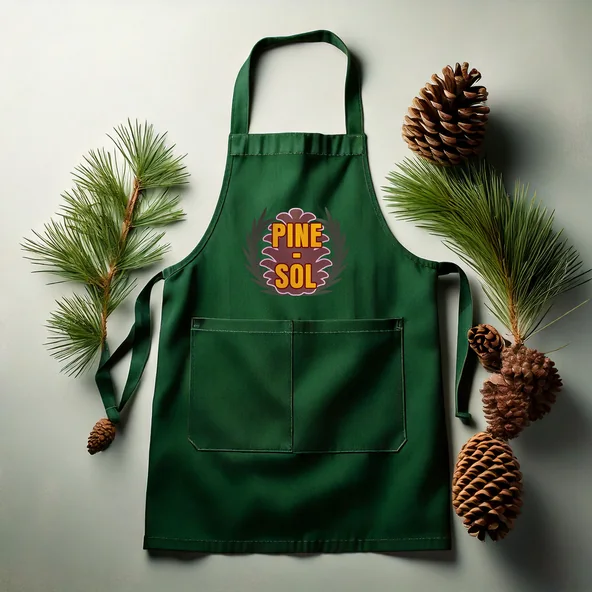
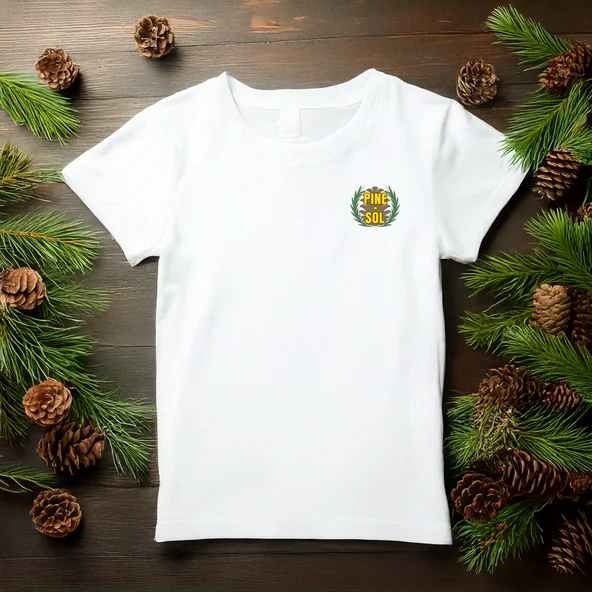
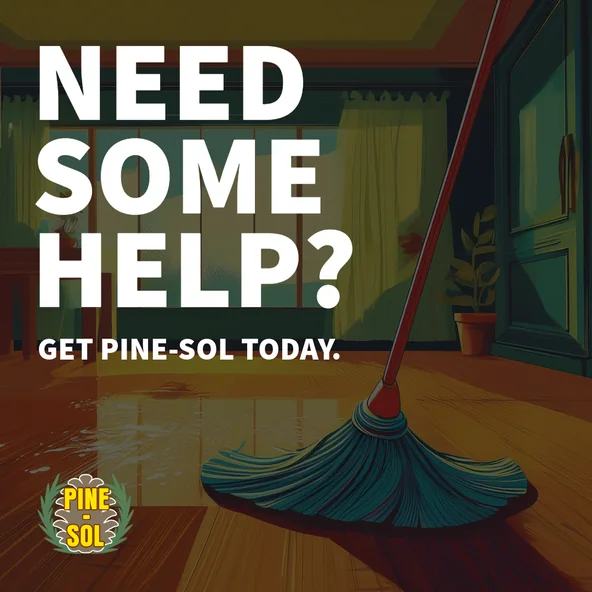
Overall, this was a rather fun project to work on with my partner, and it gave me a lot of insight into what goes into a design, as well as what goes into representing a company or a product.
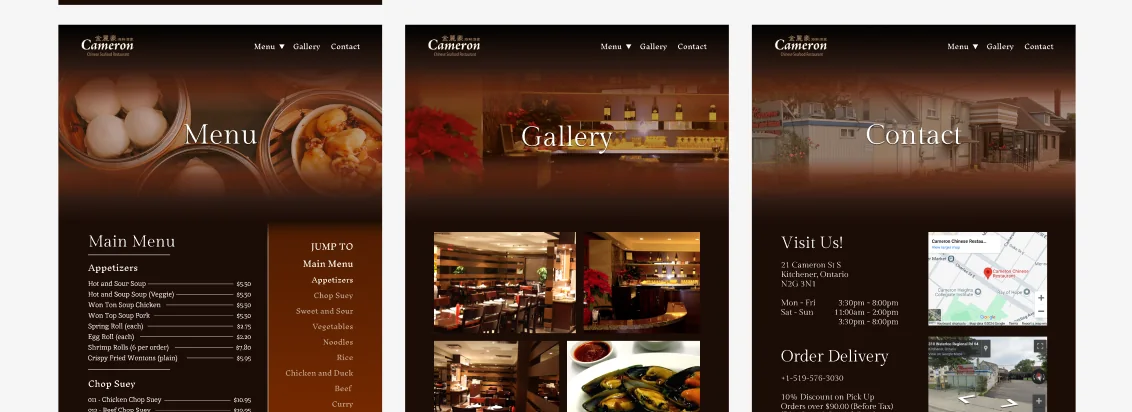
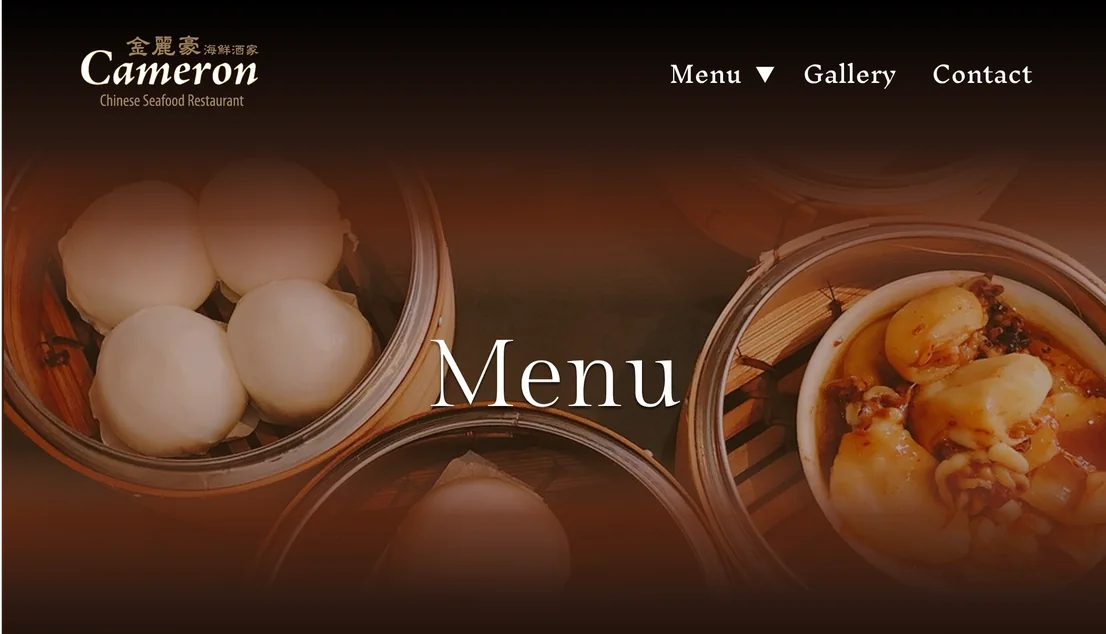
GBDA 228 was a course focused on HTML, CSS and website design in general, and one of its first major assignments was to find an existing website and visually redesign it in Figma. I chose the website of Cameron Seafood Restaurant in Kitchener, which is one of my favourite restaurants in the KW region, where they serve delicious dim sum and other Chinese food. This was a class project, and it is not affiliated with the restaurant in any way.
Although their cuisine is amazing, I felt that their website had aged, and the key issues I noticed were low-quality graphics, squashed images and redundant pages, which became the focus of my redesign. However, I decided to keep the main colour theme, as I believe it represented the restaurant well with its more fancy and traditional theming.
The Figma file can be accessed here, and the original restaurant website can be found at https://www.cameronrestaurant.ca/.
A round-based stealth game on Roblox in which thieves hide in plain sight from player-controlled security cameras. Main artist for Blacklight Team since 2024, over 52 million visits.
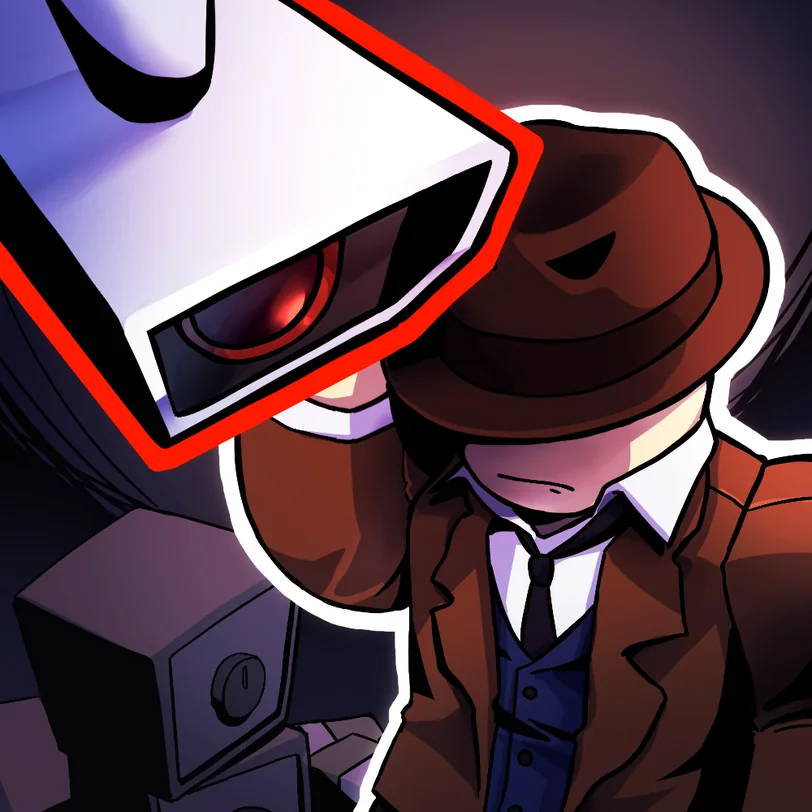
In Plain Sight 2 is a round-based stealth game on Roblox for up to twelve players, in which thieves disguise themselves as ordinary characters in order to steal as many items as possible, while the other players control security cameras and attempt to catch them. At the end of each round, players earn cash for the items they stole or the thieves they caught, which can be spent on new thief characters and cameras. The game is developed by Blacklight Team, and it has been visited over 52 million times.
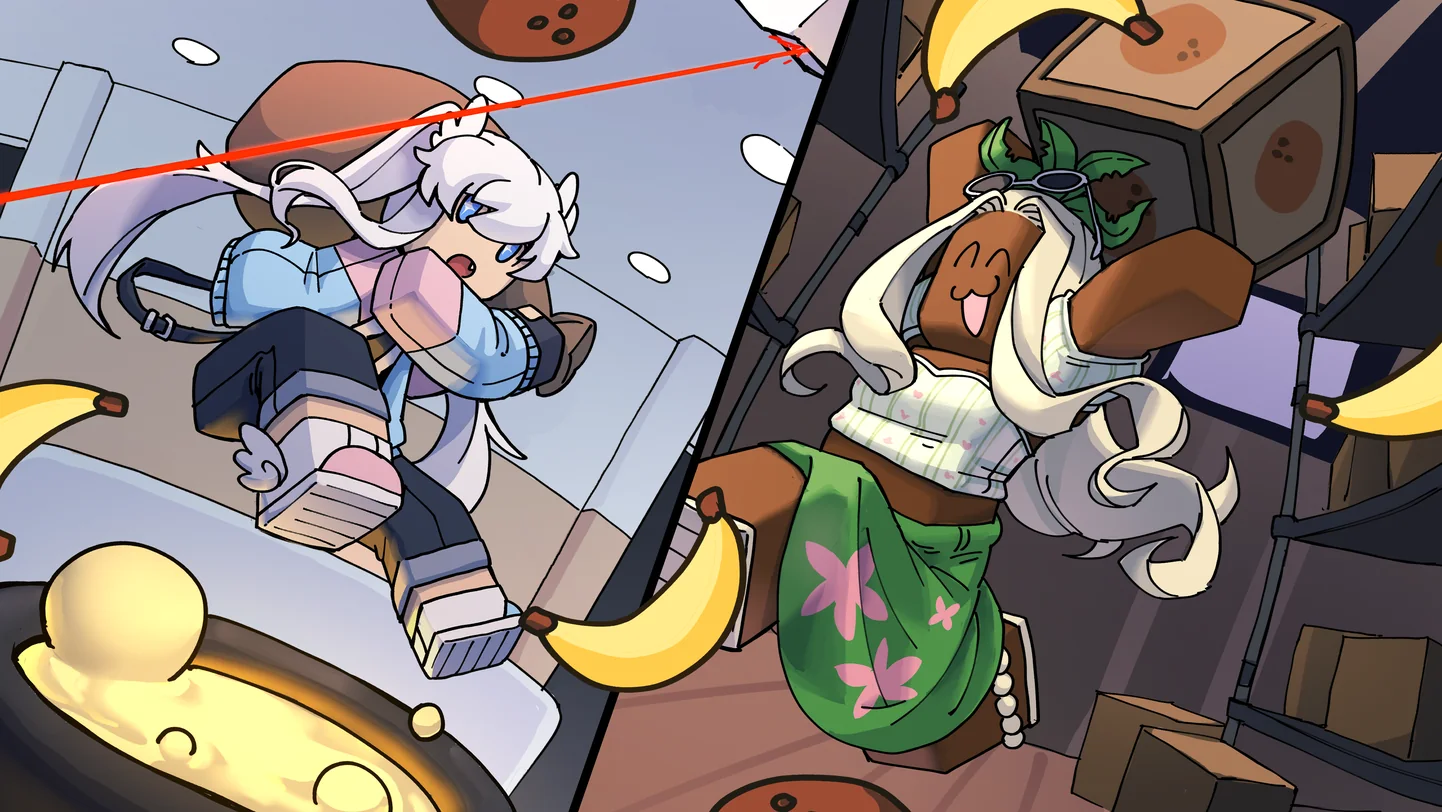
I began contributing to In Plain Sight 2 around 2024, when the game was already live and had an established player base. In this project, I am the main artist and illustrator of the team, meaning that the icons and thumbnails of the game are drawn by me, as are any original in-game assets that the team would like to have, such as clothing and decals. I also take part in some of the design discussions for the game. The programming and the building of the maps are the work of my teammates.
Our team is currently working on a sequel to In Plain Sight 2. The aim of the sequel is to freshen up the gameplay loop, and to address a number of problems that we were unable to address without redoing the entire original game.
A puzzle platformer about a cat with a candle on his head, built by a team of five in 86 hours for the Roblox Inspire 2025 Challenge. First place, Best Technical Quality.
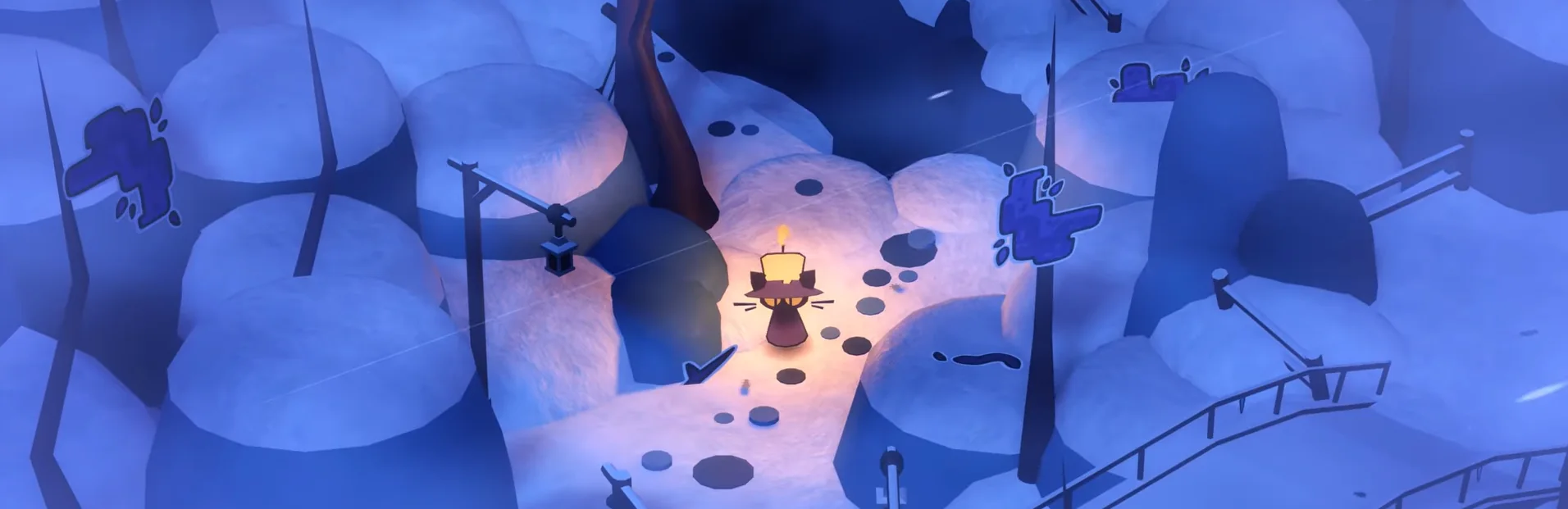
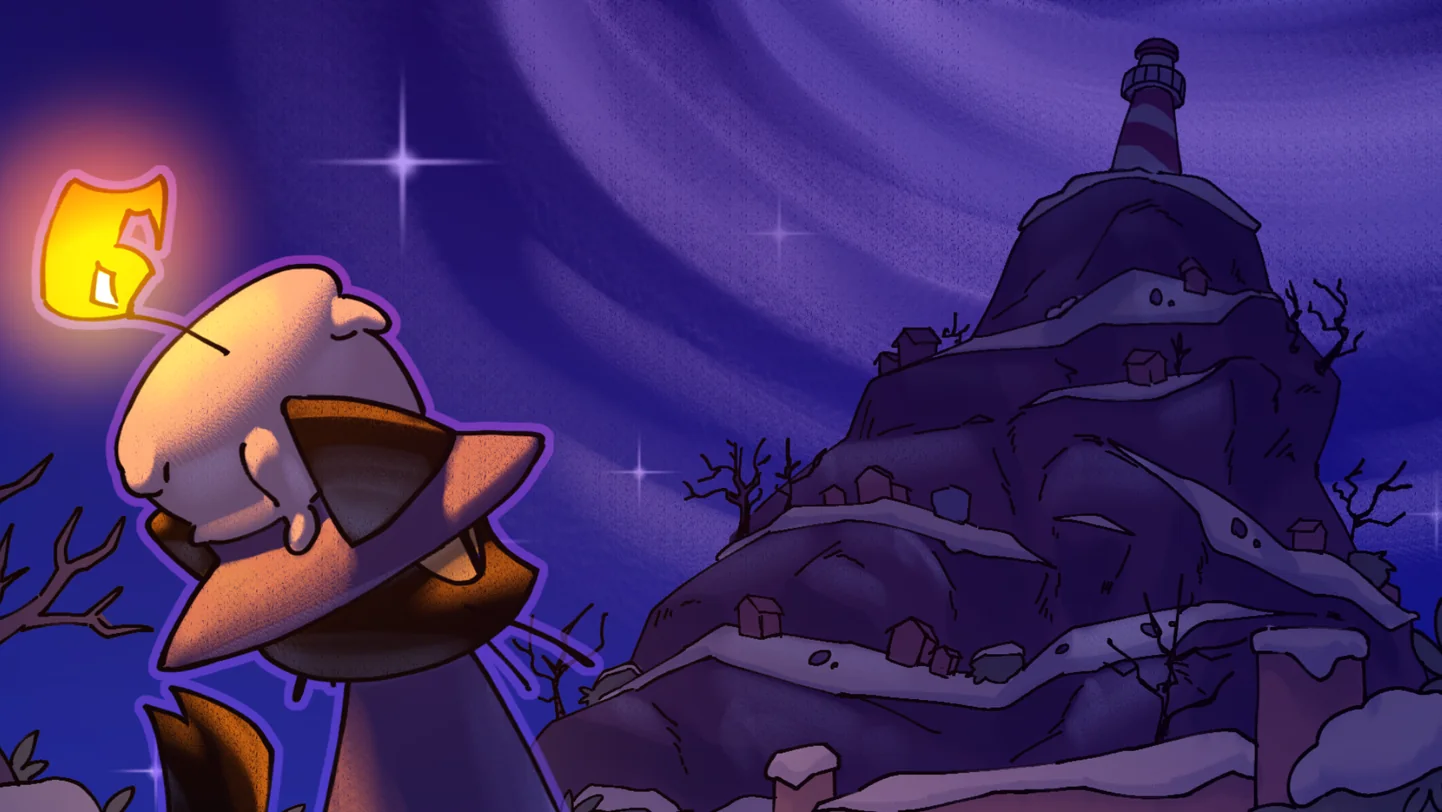
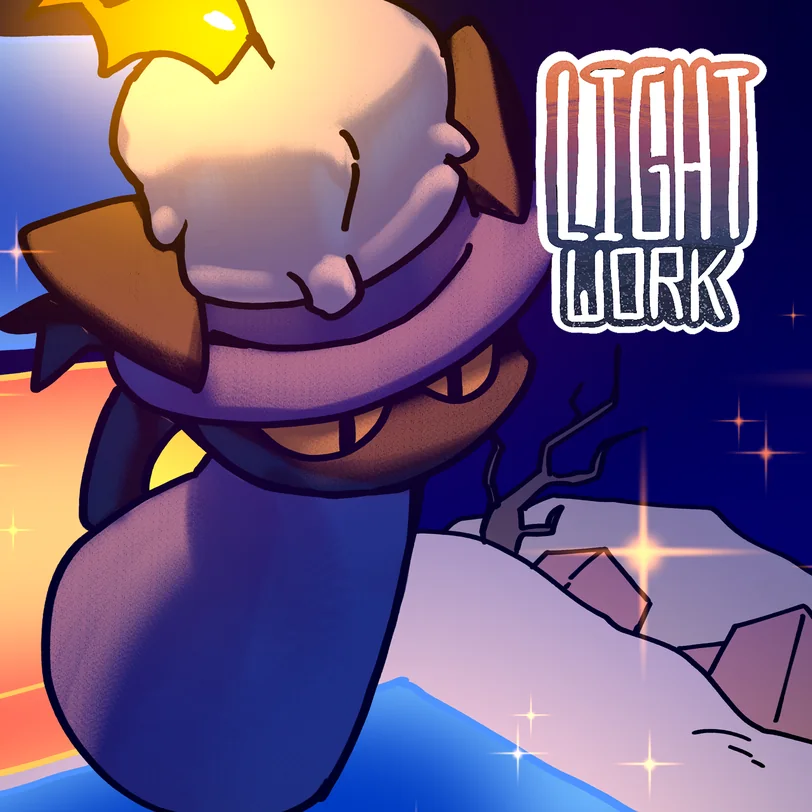
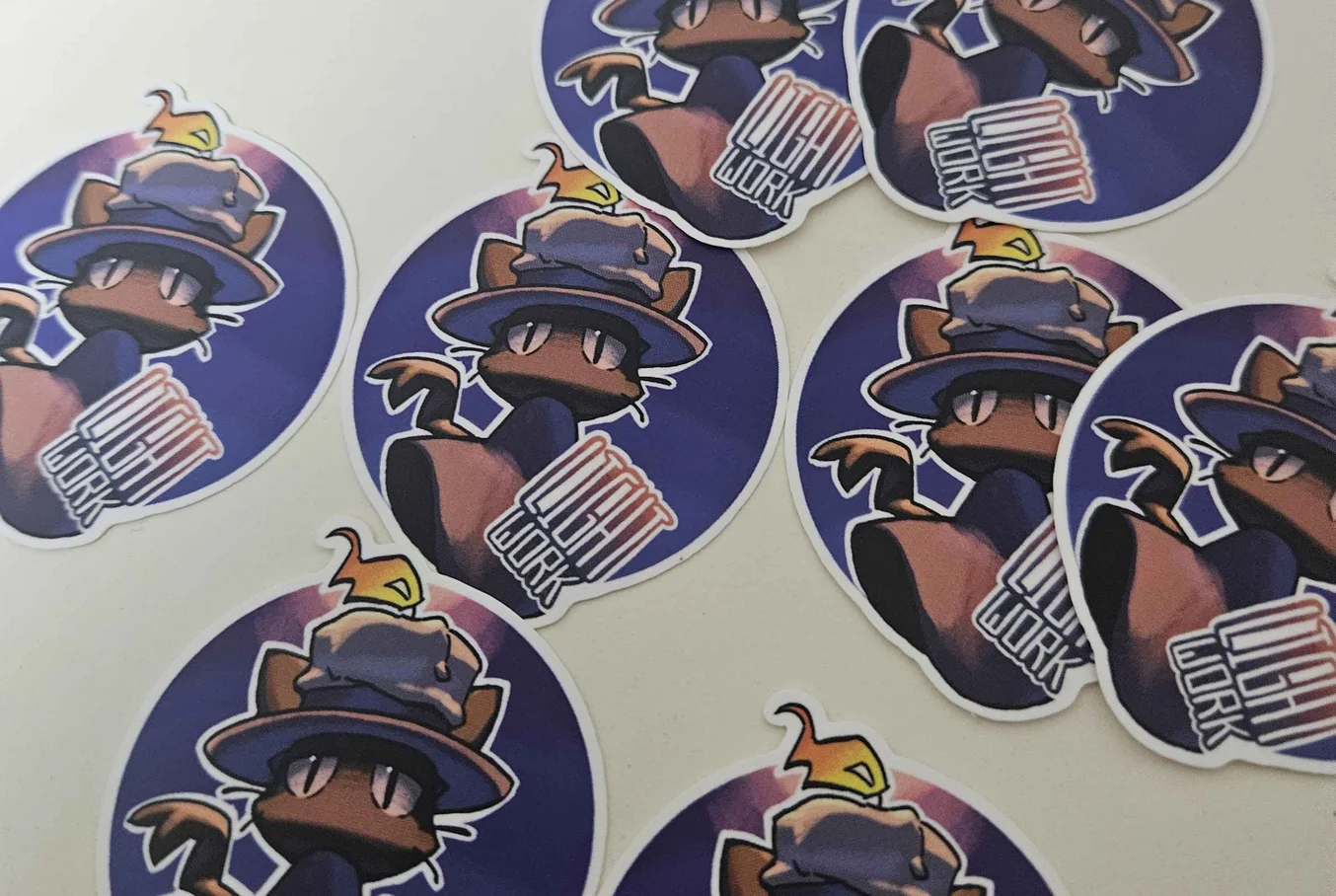
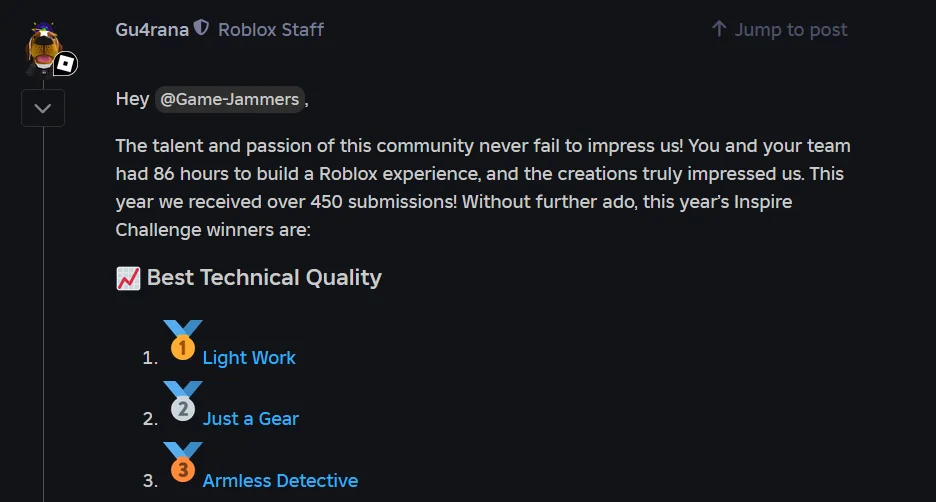
Light Work is a puzzle platformer on Roblox that follows Choop, a cat with a candle on his head. Choop has to use his candle to reach the top of the mountain and light the lighthouse that will save the town from the cold. Light Work was our team's entry for the Roblox Inspire 2025 Challenge, a highly competitive game jam in which teams of up to five people are given 86 hours to create a playable game from scratch. The 2025 challenge received over 450 submissions, and our team of five was awarded first place in the Best Technical Quality category.
In this project, I was responsible for the 2D art of the game, meaning the animated flame on Choop's candle, as well as the key 2D assets, which were the icon and the thumbnail. I also took part in the planning of the game, and edited the video trailer that showcases it. The programming, building, modelling and music were completed by my teammates, as was the 3D model of Choop.
The theme of the challenge, "One Tool, Many Uses", was announced live during the closing ceremony of Inspire 2025, and the 86-hour period began immediately afterwards. Our team consisted of five people, the majority of whom were developer friends I had previously worked with on In Plain Sight 2.
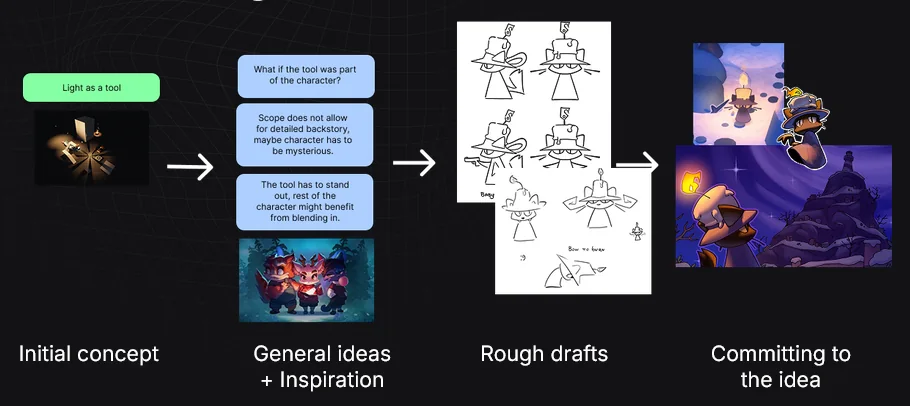
Our team generally settled on the idea of "light as a tool" early on, and our first concepts involved gameplay with silhouettes. However, we then decided to explore mirror reflections for beams of light, and we also considered how we might be able to incorporate a cute character into the game, as our team is rather fond of them. Most of these discussions took place in voice chat, so I am unable to recall exactly who suggested each idea, but we were generally in agreement on an isometric point of view and a cute main character that does not resemble the average Roblox avatar. These ideas led us towards a more puzzle-like platformer, and eventually to Choop. The silhouette gameplay was mostly abandoned, and I believe this was because the platformer aspect was more enjoyable to build upon in terms of level design.
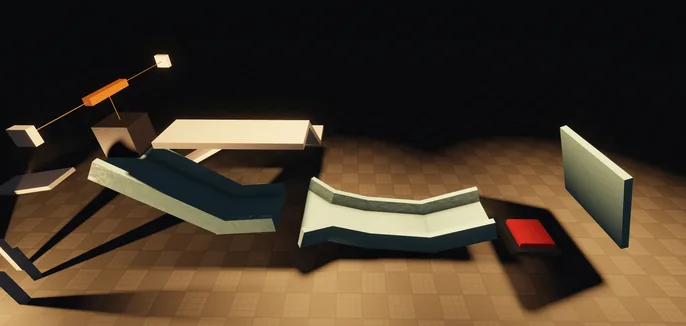
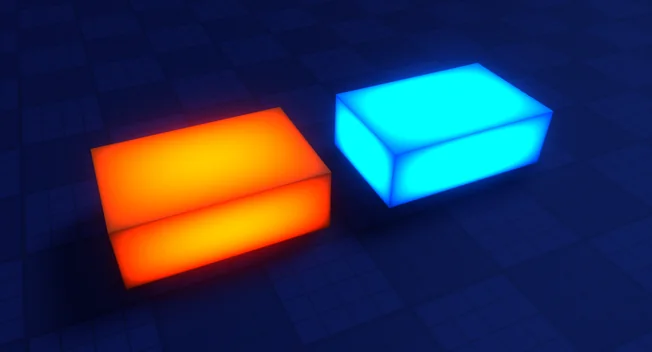
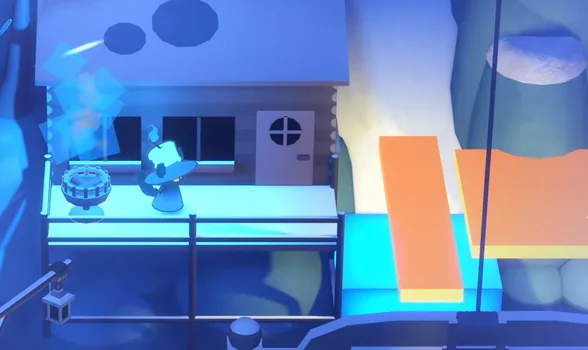
In the final game, Choop's flame serves as the one tool. Each level contains red and blue platforms, of which only one colour can be activated at once, and the player is able to swap Choop's flame to either colour in order to activate or deactivate those platforms. In addition, the flame can light braziers, which open timed pathways. Mirrors are used to reflect the light as a beam, either to activate braziers from a distance, or to cut the ropes that hold up bridges. I was originally planning on making Choop entirely in 2D animation. However, our team decided on a 3D model for him instead, and the flame remained as the only 2D animated element in the final game. I had wanted the flame to be 2D animated from the beginning, since it is one of the main gameplay features, and I wanted it to be visually distinct from the rest of the environment.

For the icon and thumbnail, my goal was to show what the game generally looks like at a glance, meaning a dark environment with a warm flame in contrast, as well as the far-off goal of the lighthouse in the thumbnail. I completed one sketch and proceeded with it, since game jams do not leave much time for multiple sketches and revisions. However, I would not take this approach for a major project.
The video trailer was an optional part of the submission. It is around a minute long and was edited in Adobe After Effects, and it shows most of the important gameplay aspects, followed by the credits.
 Watch the trailer
I believe the main problem with game jams is trying to have everything completed within a short period of time. For this reason, it is important that one solid idea is communicated to everyone on the first day, since otherwise, each member may end up with a different vision of the game. Our team mostly addressed this by reiterating the information discussed in voice chat in our main chat, so that anyone who had missed a discussion was able to catch up, which was helpful to me as well. In addition, since we were already a group of friends, the environment was one where questions were always welcome.
Light Work was awarded first place in Best Technical Quality, and has received over 130,000 visits since being published. The game was met with highly positive reception, with a 98% like ratio, which is rather rare on Roblox, and many players complimented the game on the basis that it did not feel like a Roblox game. In addition, Light Work was localized into Korean by HUFS LUDUS, a game translation club at Hankuk University of Foreign Studies.
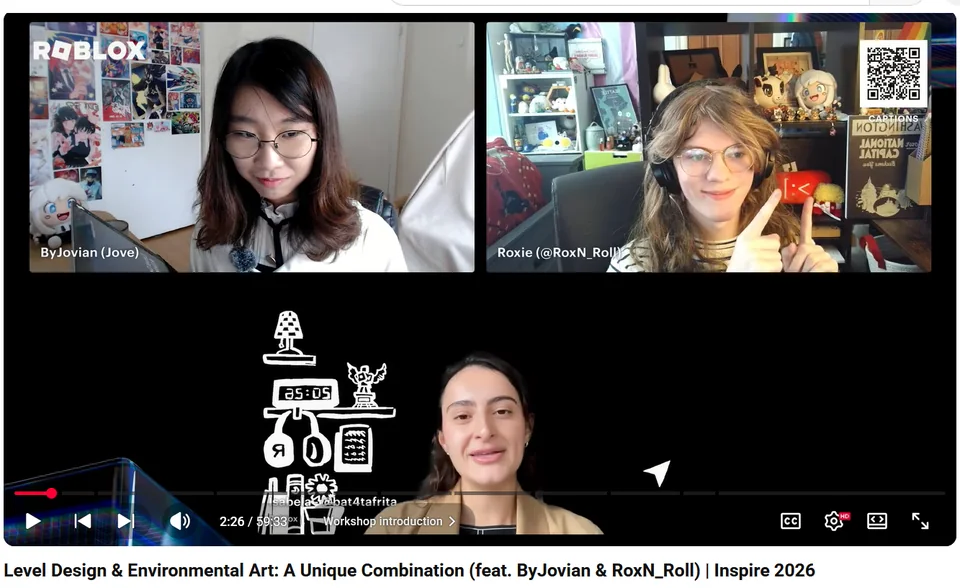
A team member and I were also invited to speak at the Inspire 2026 workshops, in a talk titled "How to Strive for Success Before and After the Inspire Challenge". In my portion of the talk, I mostly analyzed the visual art of Light Work, and how visual art can make a game feel truly polished, or even "not Roblox-like".
I believe rapid designing is a rather important skill that I learned during this jam, and one that can also be used outside of game jams. If I were to take part again, I would like to learn other skills, such as 3D or scripting, in order to take on more of the game and become more flexible within a small team.
A cozy delivery game about a cat who runs a small cafe, with an isometric style that combines 2D and 3D art. Team of five, Honourable Mention in the Roblox Developer Challenge 2024.
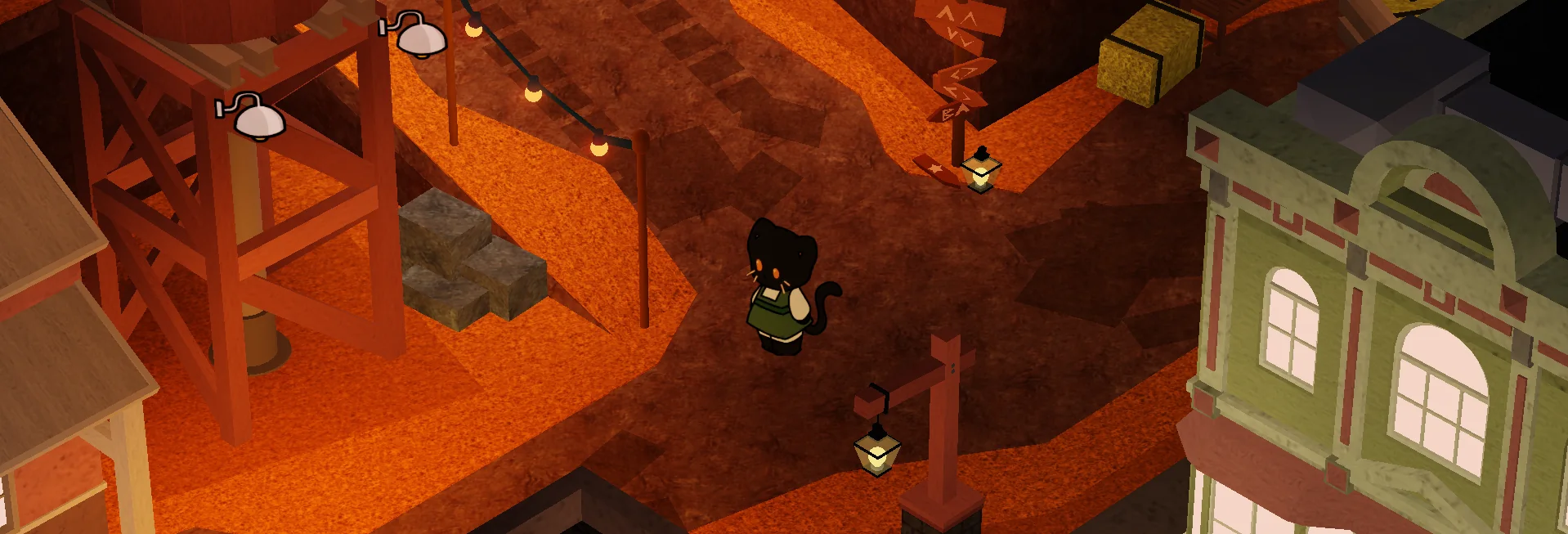
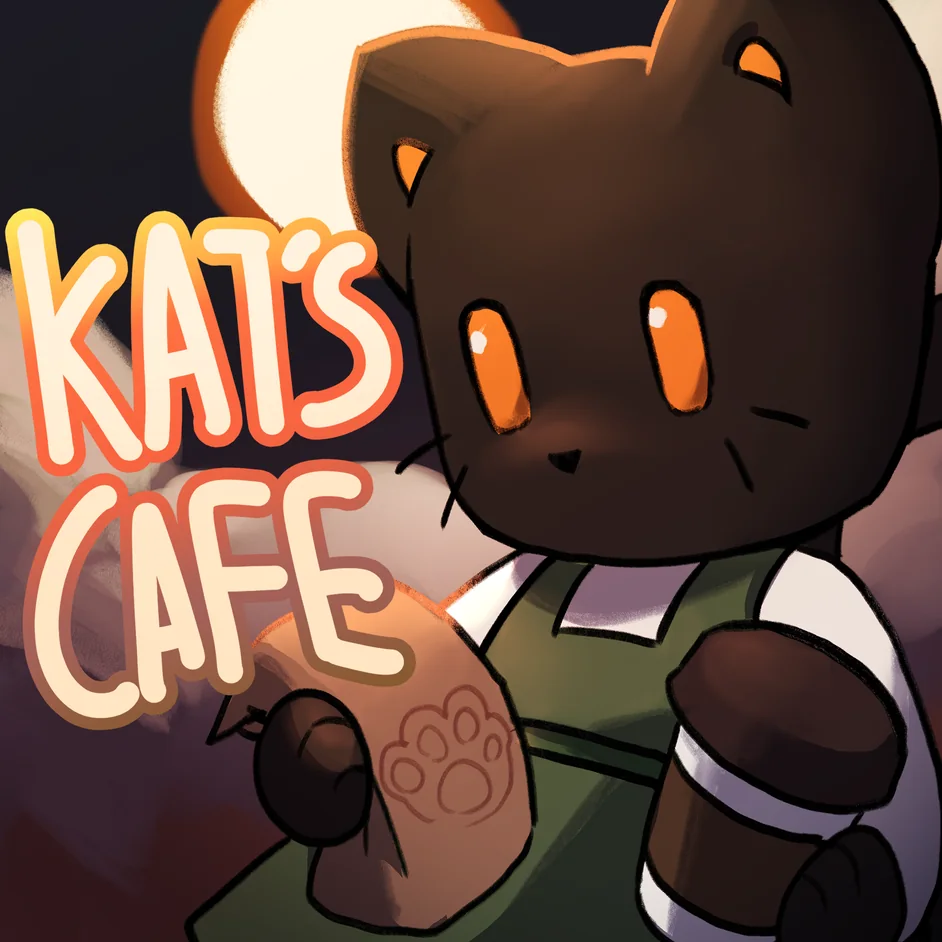
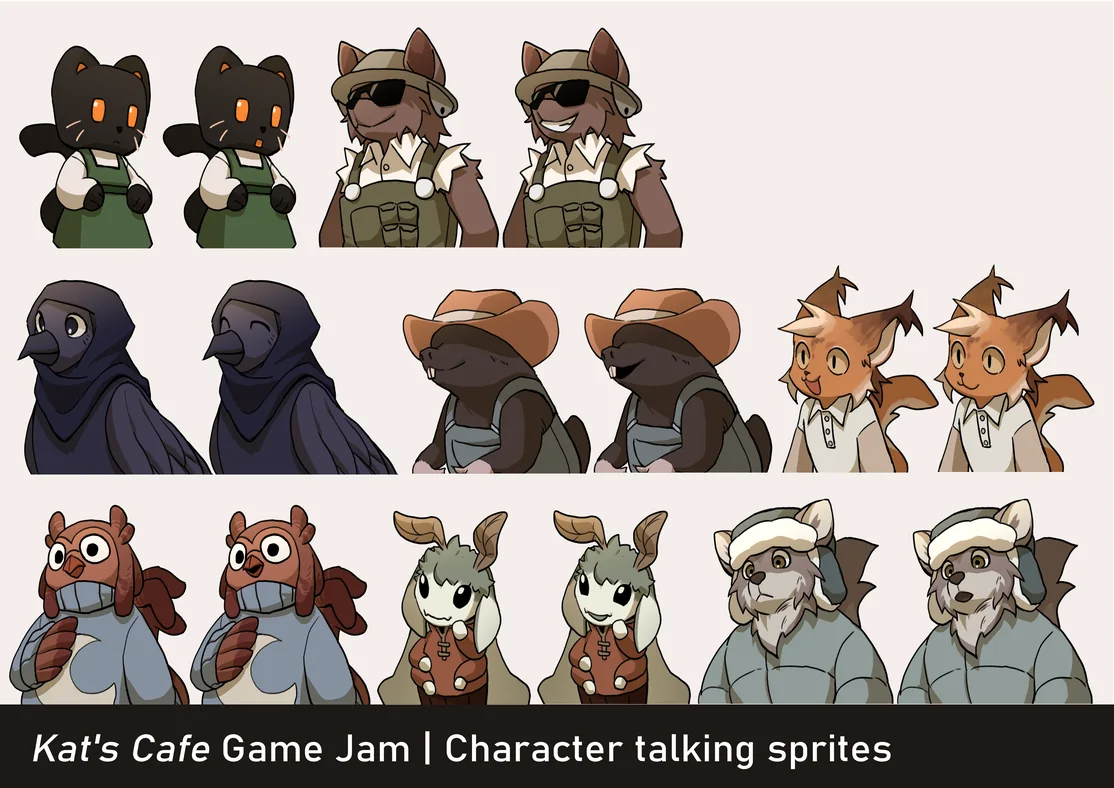
Kat's Cafe is a game on Roblox that follows Kat, a black cat who lives in Sawgton and owns a small cafe. Kat has a mission of delivering food and drinks to her neighbours, but strangely, all of the houses she has delivered to are reduced to debris, with the homeowners nowhere to be found. Kat's Cafe was our team's entry for the Roblox Developer Challenge 2024, an official game jam hosted by Roblox in which teams are given 48 hours to create a game. The challenge received over 400 submissions, and our team of five was awarded an Honourable Mention.
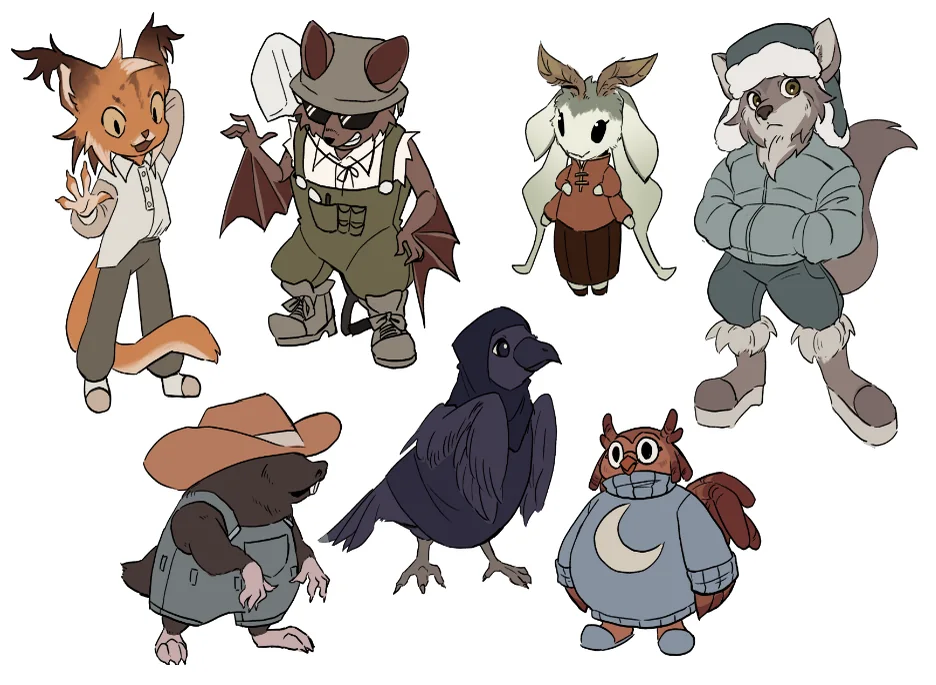
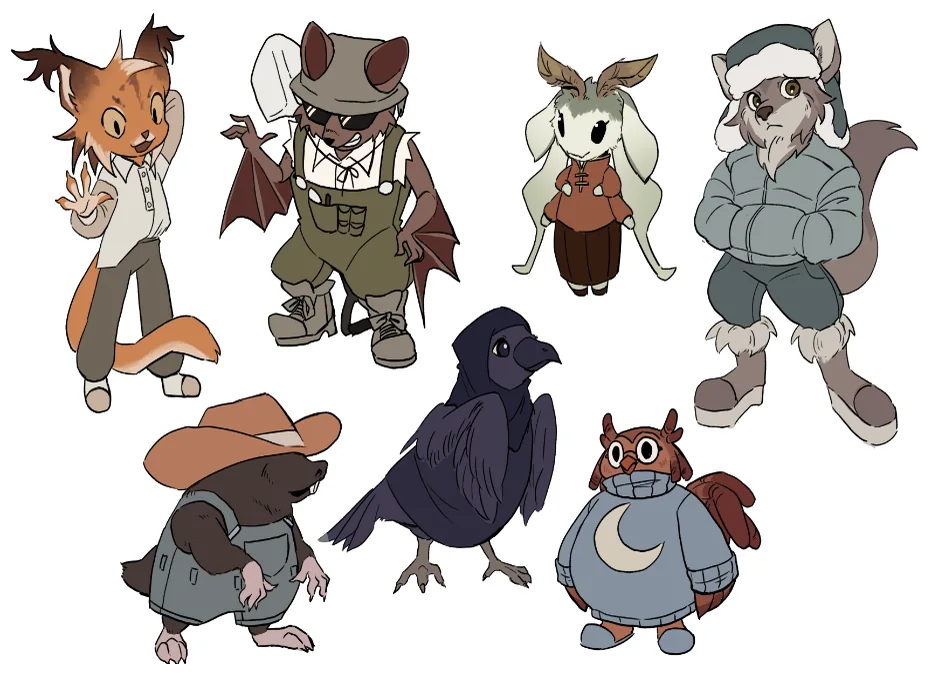
In this project, I was responsible for Kat's and other NPC’s 2D sprites, meaning I illustrated and animated all of them, and I also wrote part of the dialogue. I was also responsible for the design of Kat and other NPCs. The game uses an isometric visual style that combines 2D and 3D art, and the 3D art and the programming were completed by my teammates, while the writing was shared with a teammate.
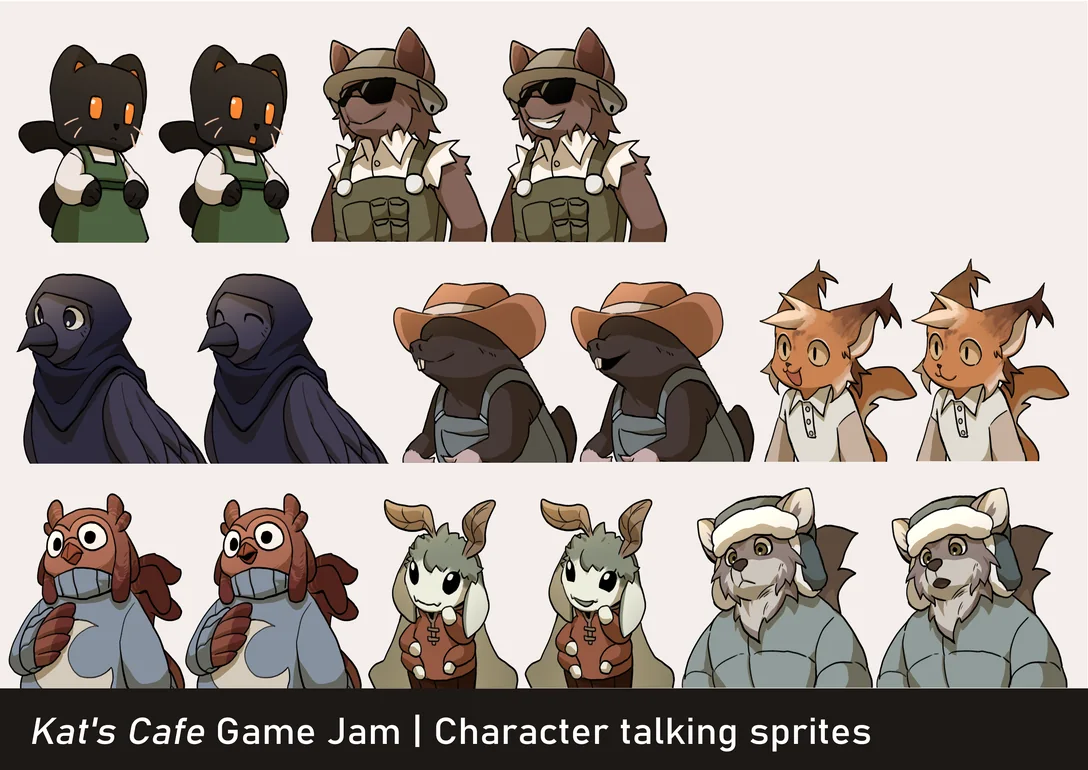
Kat's Cafe was the first game jam for everyone on the team, including myself. Working on it was extremely fun, in the sense that everyone came together to create a game, and stressful, in the sense that everything had to be finished within 48 hours. The largest flaw in this project was that everyone on the team, including myself, overestimated how much we would be able to complete. As the hours neared zero, we became aware that there was nothing we could do to push the game to total completion, and all we could do was reduce the number of bugs and polish the first few minutes of gameplay.
The version we submitted still contained a number of bugs, including a softlock that prevented players from continuing after a certain point, and for this reason, our programmer later completed a patched version, which can be played through the link below. Despite this, I feel very proud that Kat's Cafe placed so highly in such a competitive game jam, especially as it was our first.
Misc photography
Content warning! This page has images of bugs!
Photography - a form of art that is likely one of the most accessible artform in this digital age where every device or other electronic thingamajig comes attached with a camera or two (or maybe even three!). And as an artist, there is nothing more exciting than being able to create art on the go with a device I already carry around everywhere.
Of course, as a student from Global Business and Digital Arts in the University of Waterloo, I try to take advantage of the professional DSLRs that are available to borrow. In addition, while a lot of good photography does not go under post-production, I try to extend the process through Adobe Lightroom or Photoshop if I have a vision in mind.
The photos below are collections of any pieces that I am proud of, whether it be a quick snap on the phone, or something more planned out and processed. Some even have captions!
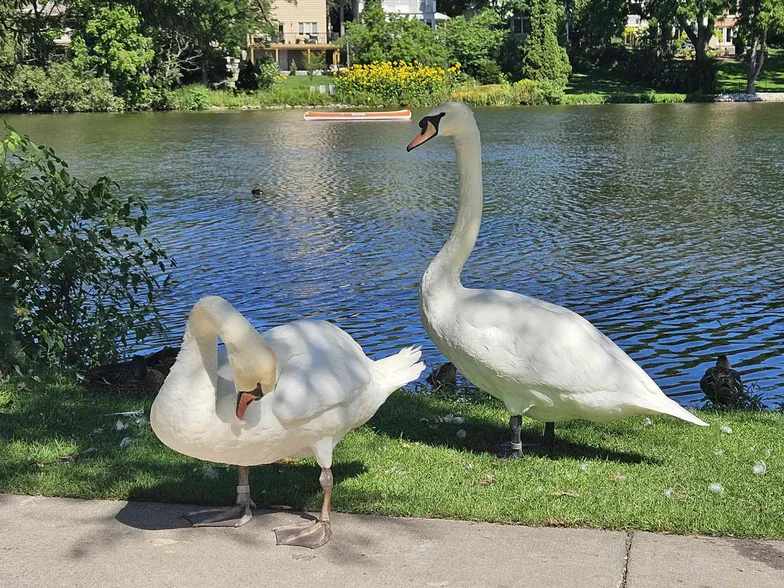
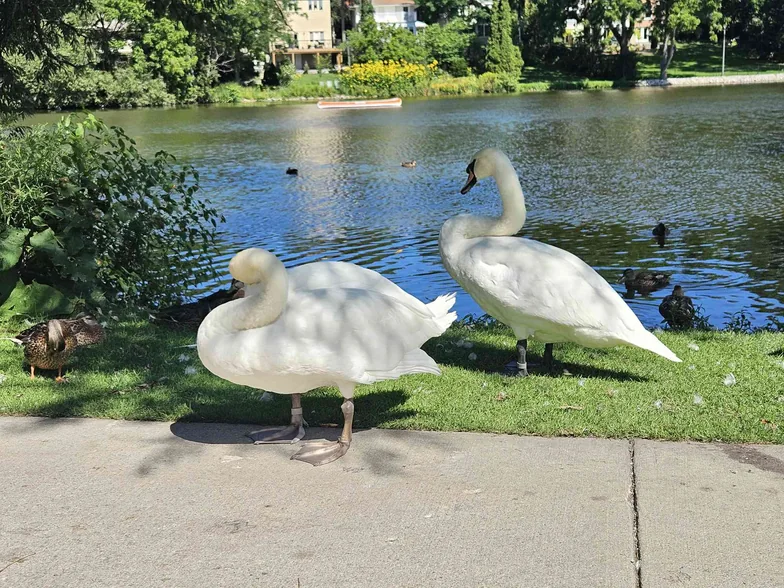
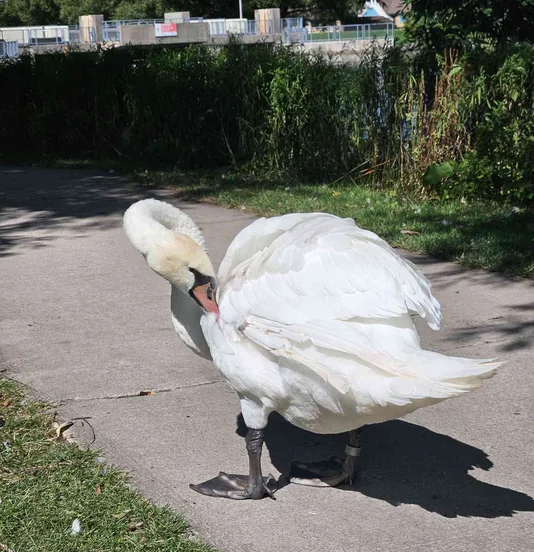
Some beautiful swans at the Avon River in Stratford. Despite swans apparently having a hostile demeanor, these swans are comparatively calm, and allows people to come close! According to some friends, the swans at this river are partially domesticated, and they live inside a warm farm during the winters, therefore having more human interaction.
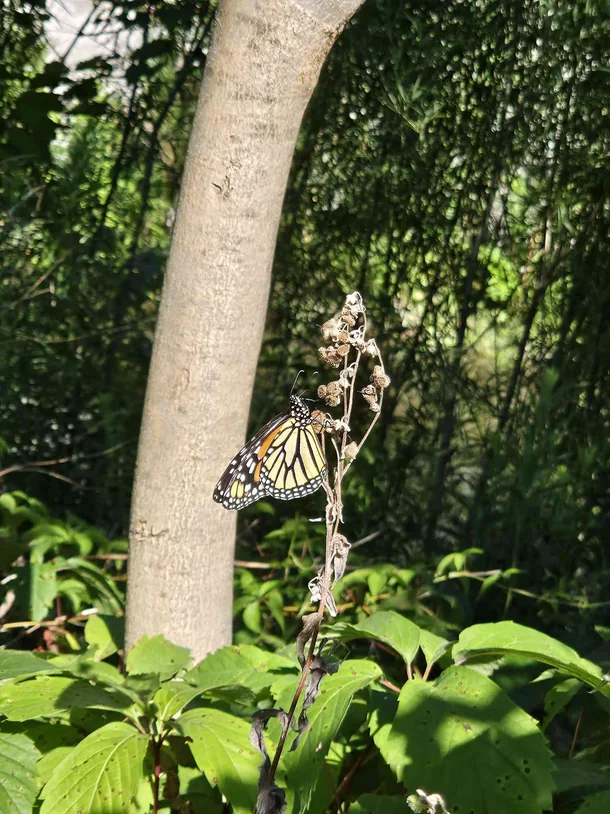
I wouldn’t call myself a bug nerd, since being a bug nerd means I could accurately name the specific species of each bug on this section. But I believe I like them more than the average person, considering I’m fine with taking pictures up close like this, and even holding one.
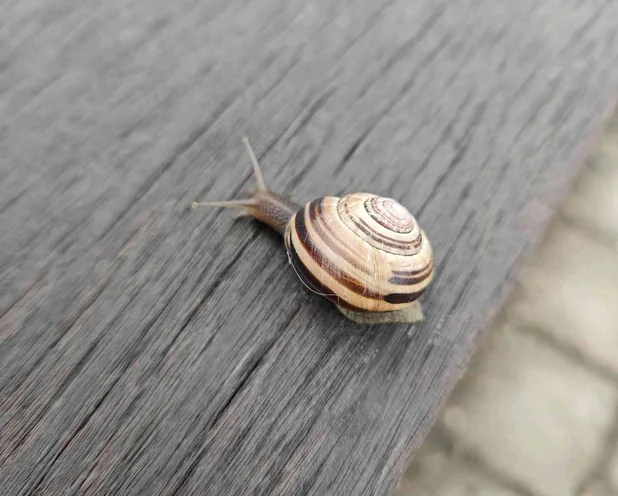
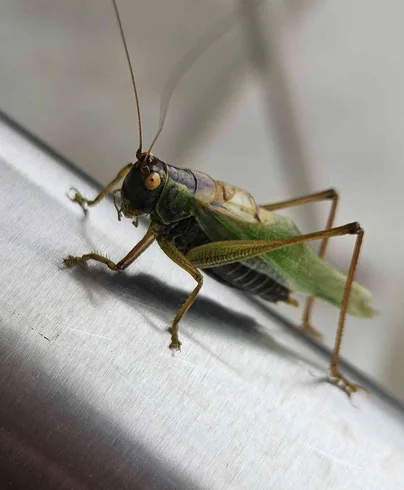
This one was really loud.... Like, really loud. I could hear it from inside the campus building. I tried to move it away from the railing but it fell to the ground instead.
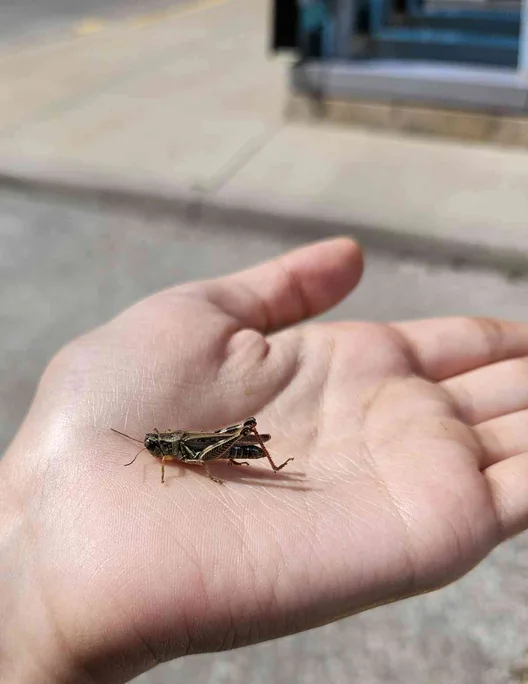
This guy was unhappy with me holding it. I mean... I would feel the same if a giant held me.
Play on the site, right now!
Global Business and Digital Arts, the program I’m currently taking at the University of Waterloo, is very much a one-in-all program in the sense coding is a required subject directly or indirectly throughout. CS 105 and CS 106 in particular are taught in the first year, and covers the basics of coding and JavaScript.
Since JavaScript is a high-level programming language, it is one of the first languages many people learn since it doesn’t need to run on a device’s actual hardware. Another benefit of that is JavaScript runs perfectly fine on HTML, which is what this website and practically every other website is made out of.
In both CS 105 and CS 106, the final project involved creating a program of any kind that utilizes the functions taught in class as a two-person group. In both projects, I worked with a close friend of mine, and we are both really into cute pop-culture references, so we decided to make games where you could see a lot of those. You’ll get what we mean when you play them.
Both of these games were made using JavaScript on OpenProcessing. No libraries were imported. Most illustrations were done by my teammate friend, and most of the programming was done by me. There used to be sound in the original games, but they have been removed for the in-website version.
Loading the game...
Loading the game...
Paintings
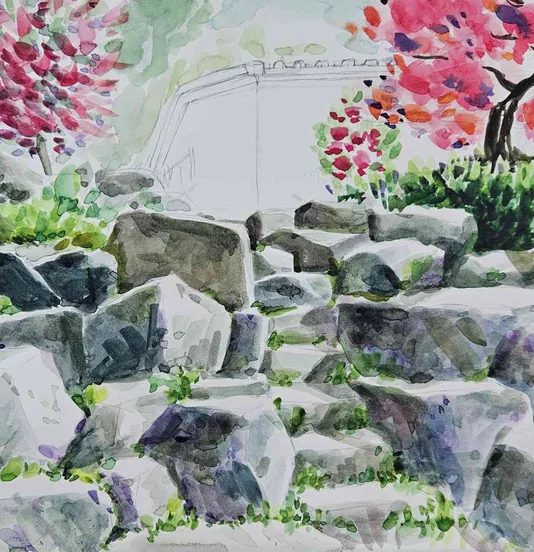
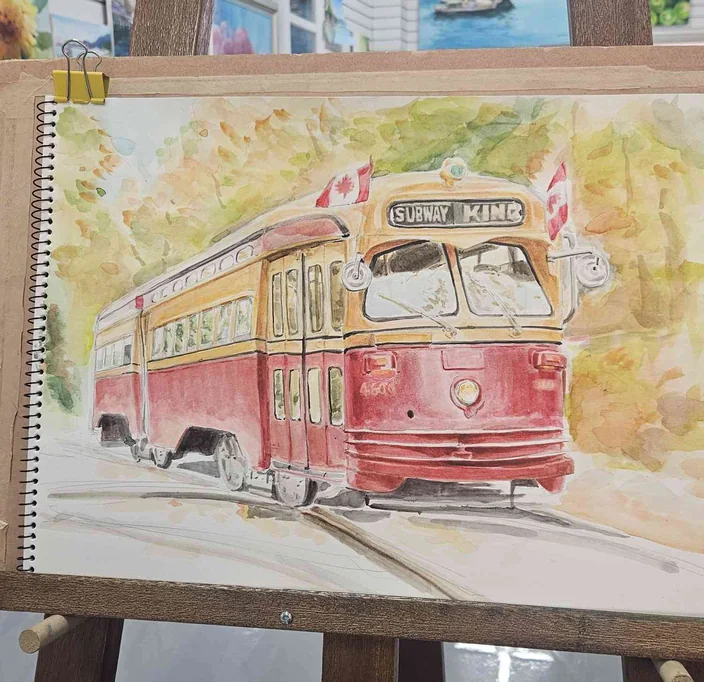
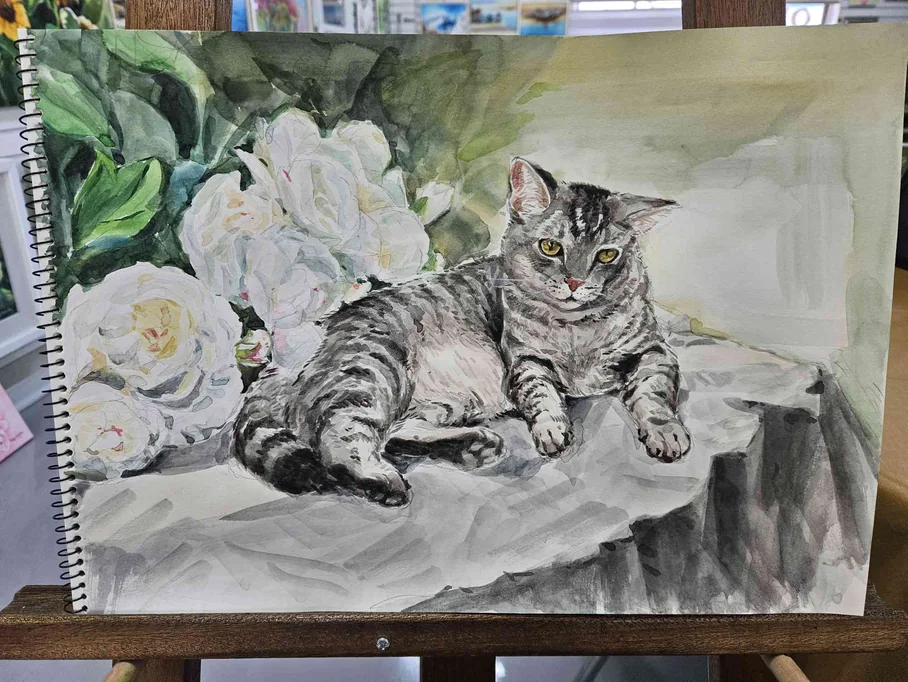
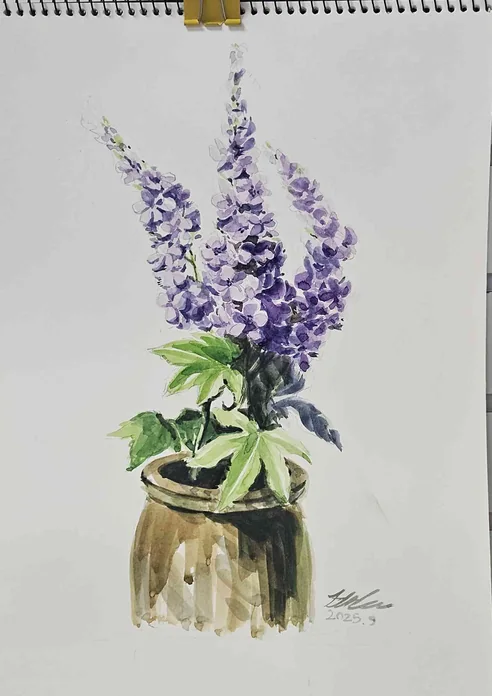
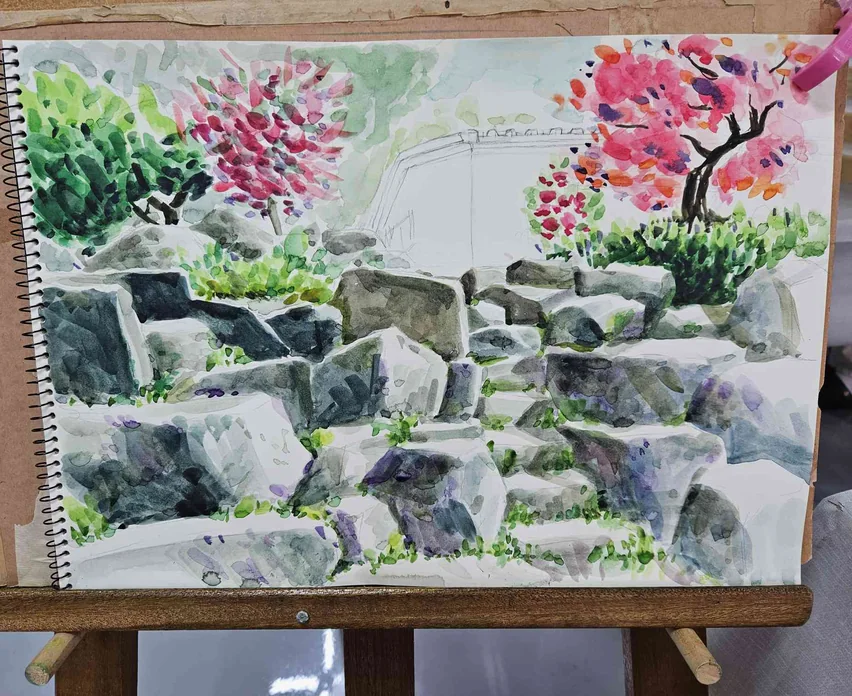
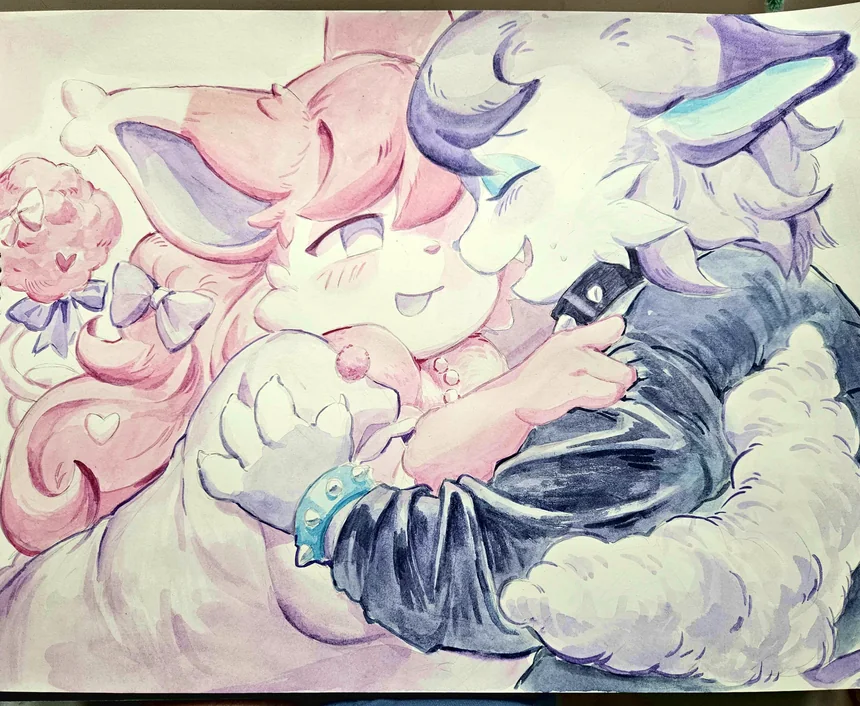
I have always had an interest in watercolor and wanted to learn more about it, so when I spent five months in Korea recovering from a surgery, I decided to use that time to really dive in! It is now what I reach for whenever I want to make something away from a screen. I mostly paint realism (there’s one more toony one in here), and all of these are purely for fun!
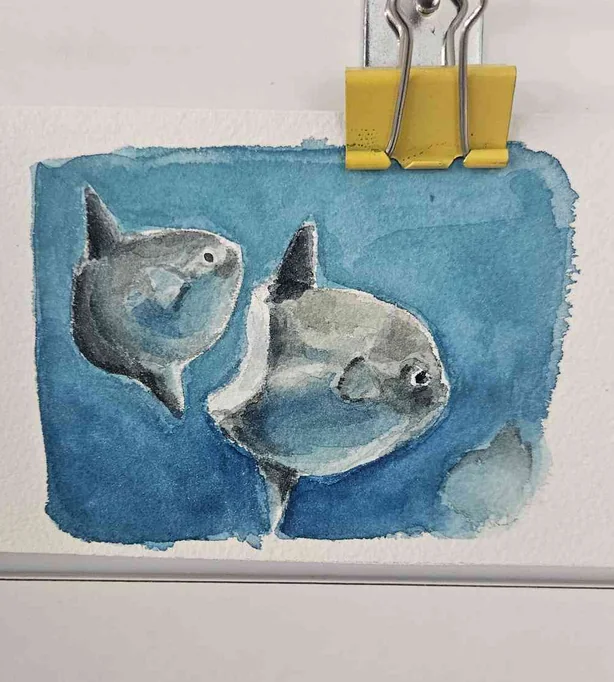
Expressions
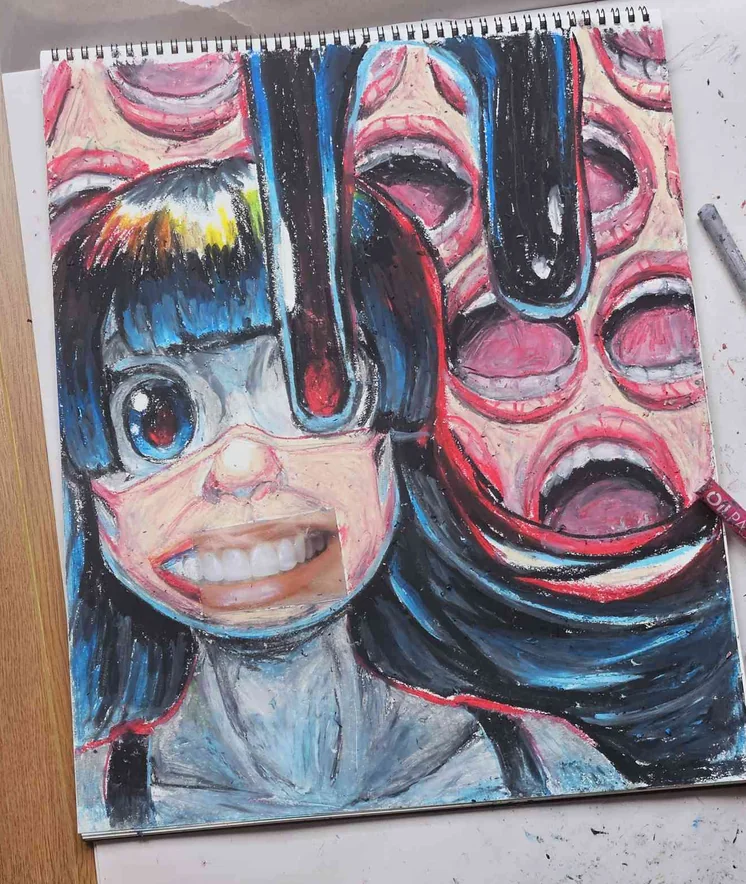
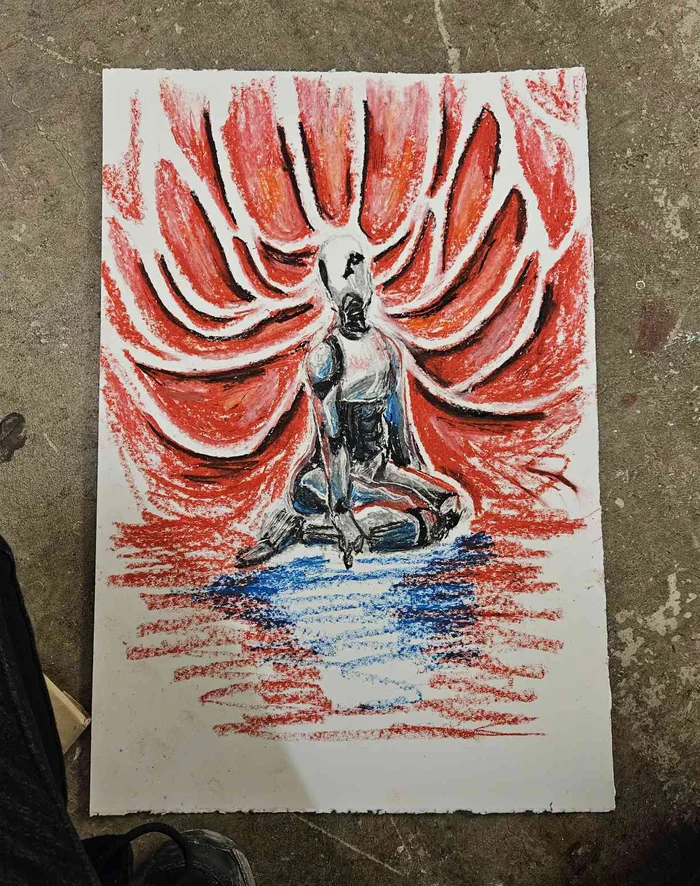
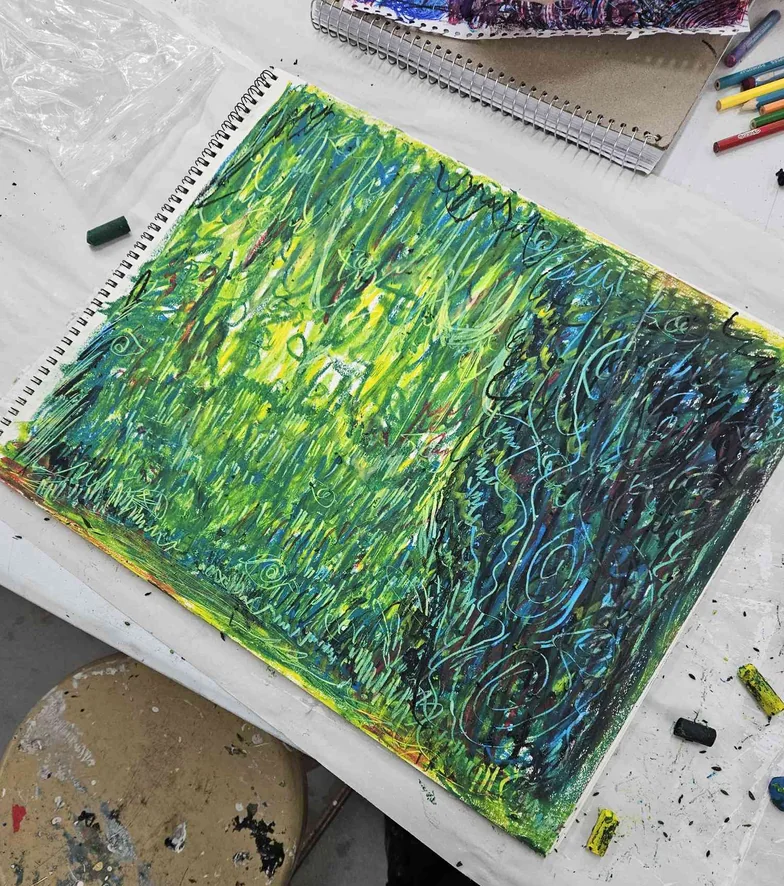
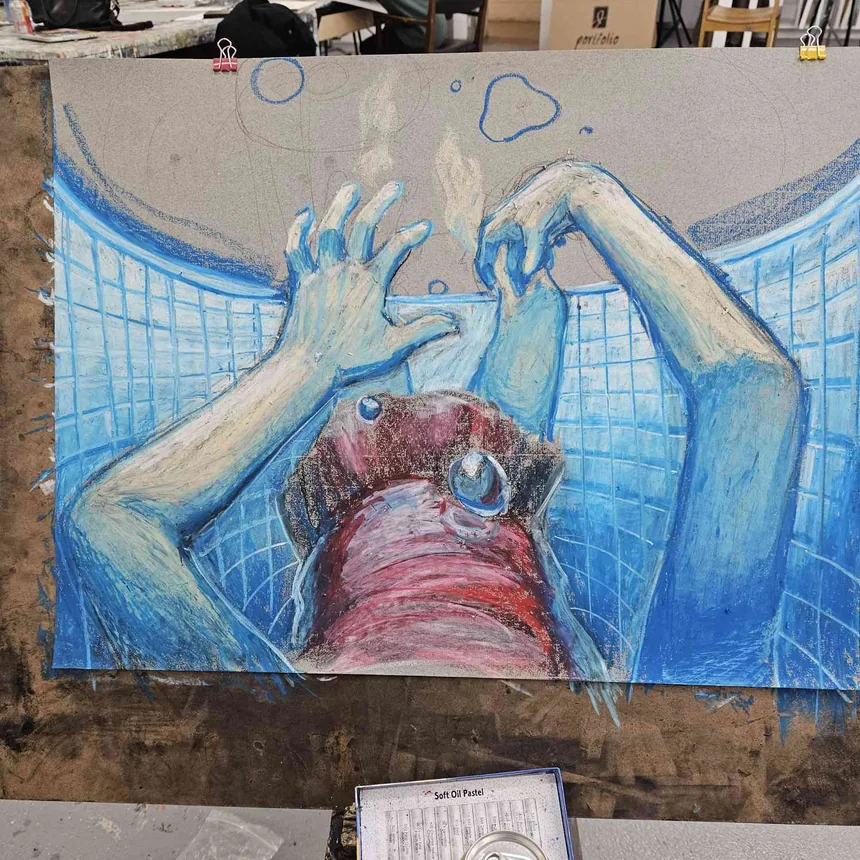
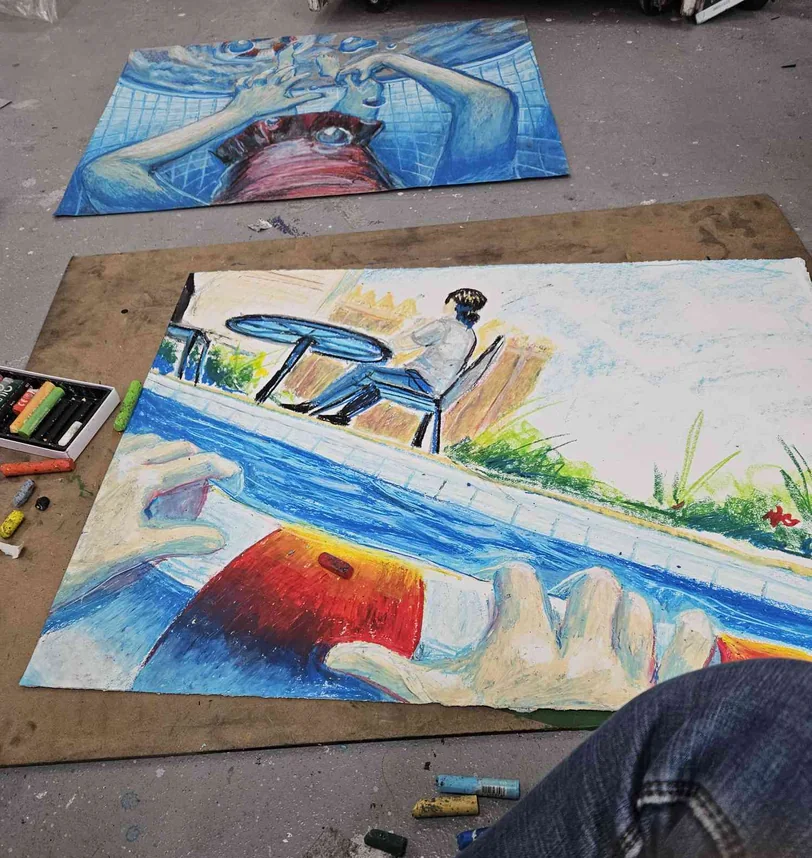
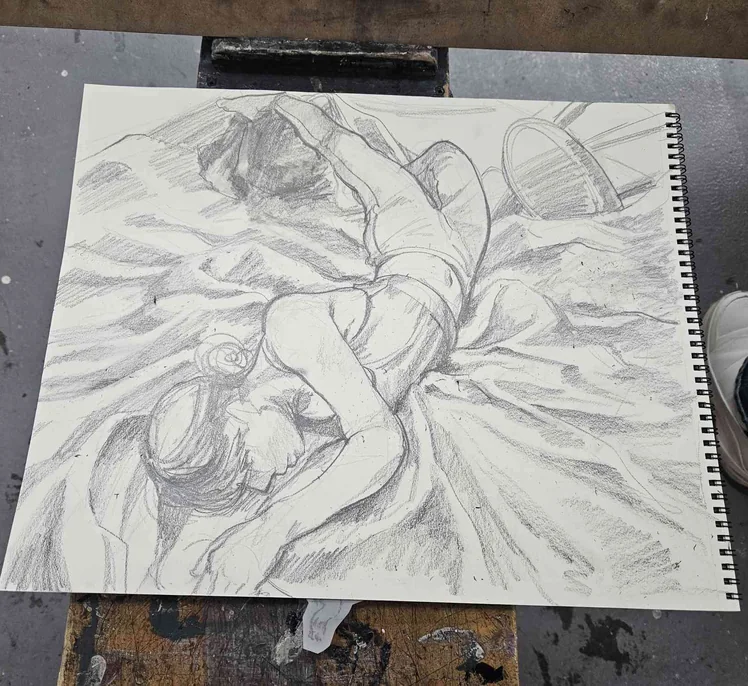
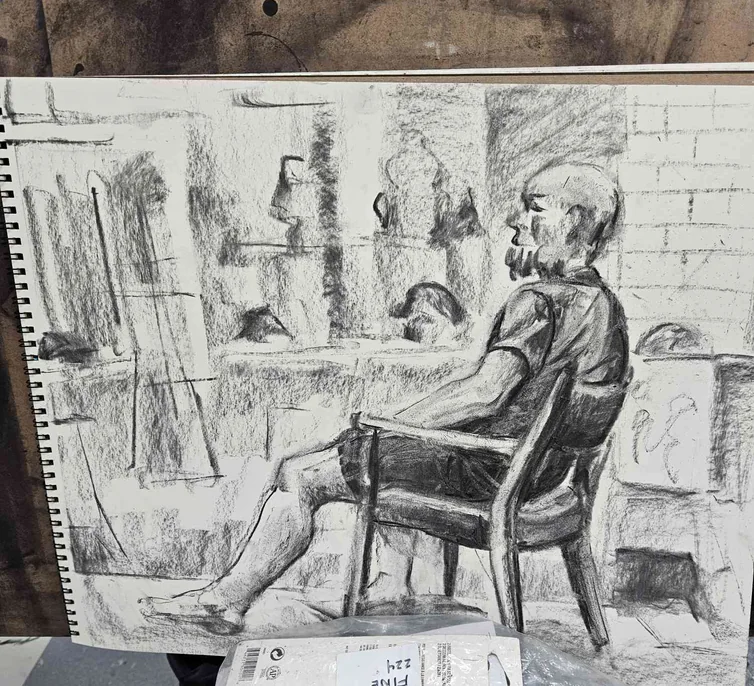
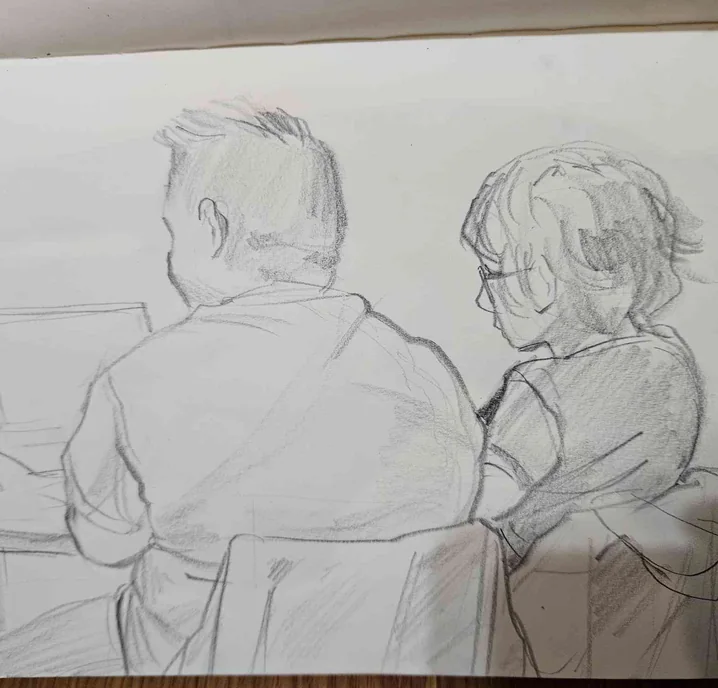
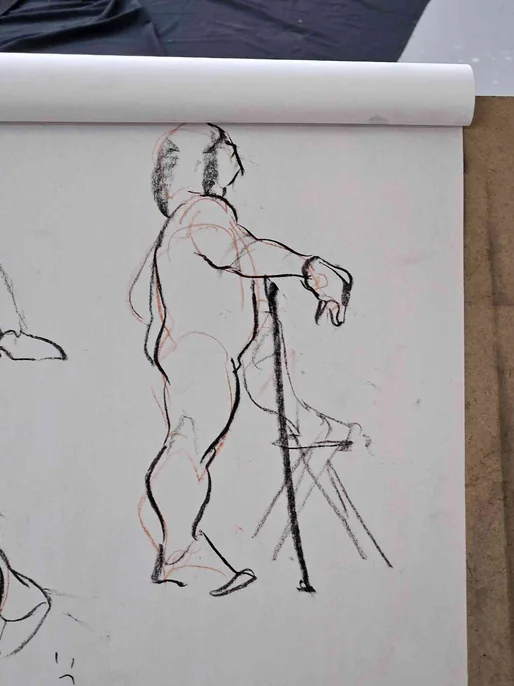
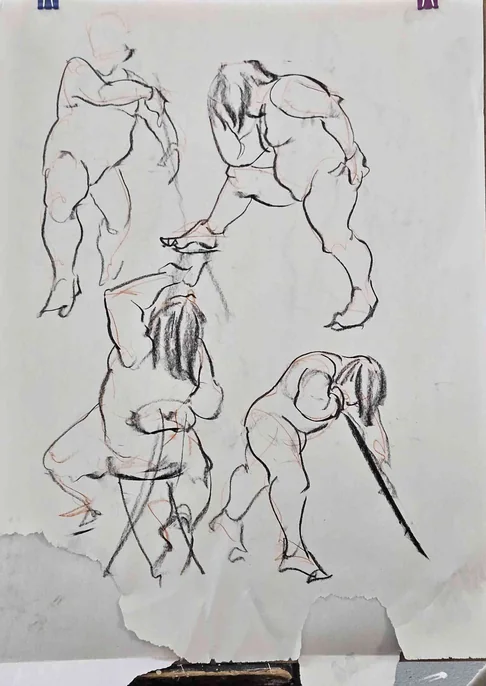
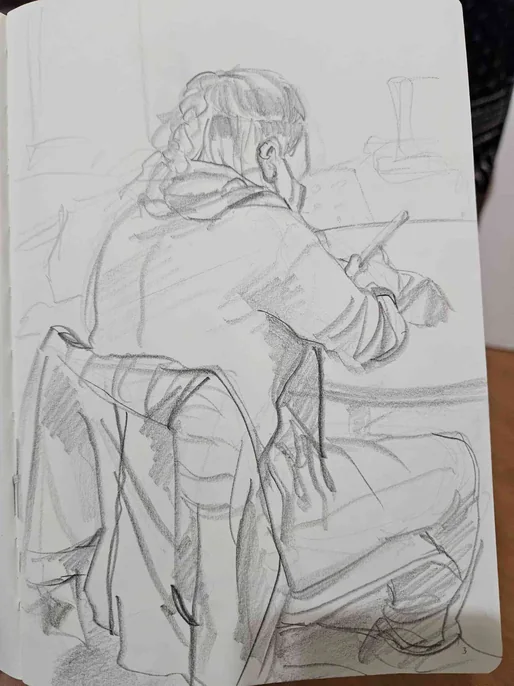
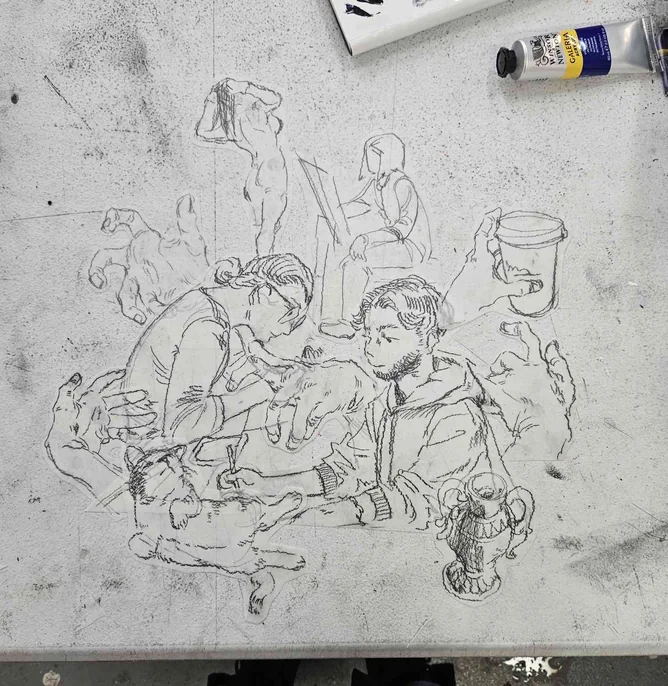
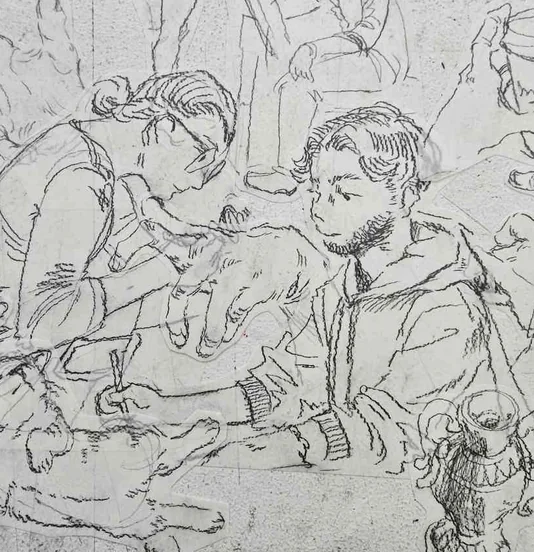
Oil pastels and graphite are mediums I picked up in my fine arts courses, and I mostly use them to express myself freely instead of aiming for something extremely polished! You will find figure drawings, studies, and some full oil pastel pieces here.